Now that we’ve got a peanut butter electric fence up, I’ve got some blueberry bushes planted in the orchard.
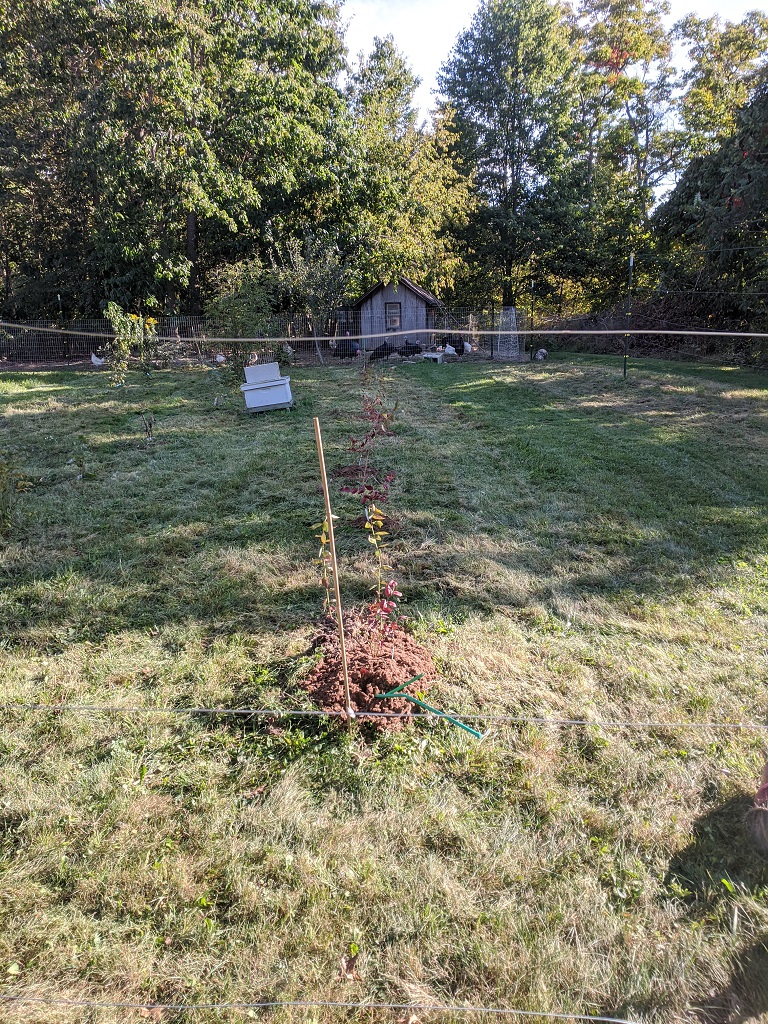
Now that we’ve got a peanut butter electric fence up, I’ve got some blueberry bushes planted in the orchard.
The hazelnut that I’ve been photographing all summer is almost ripe:
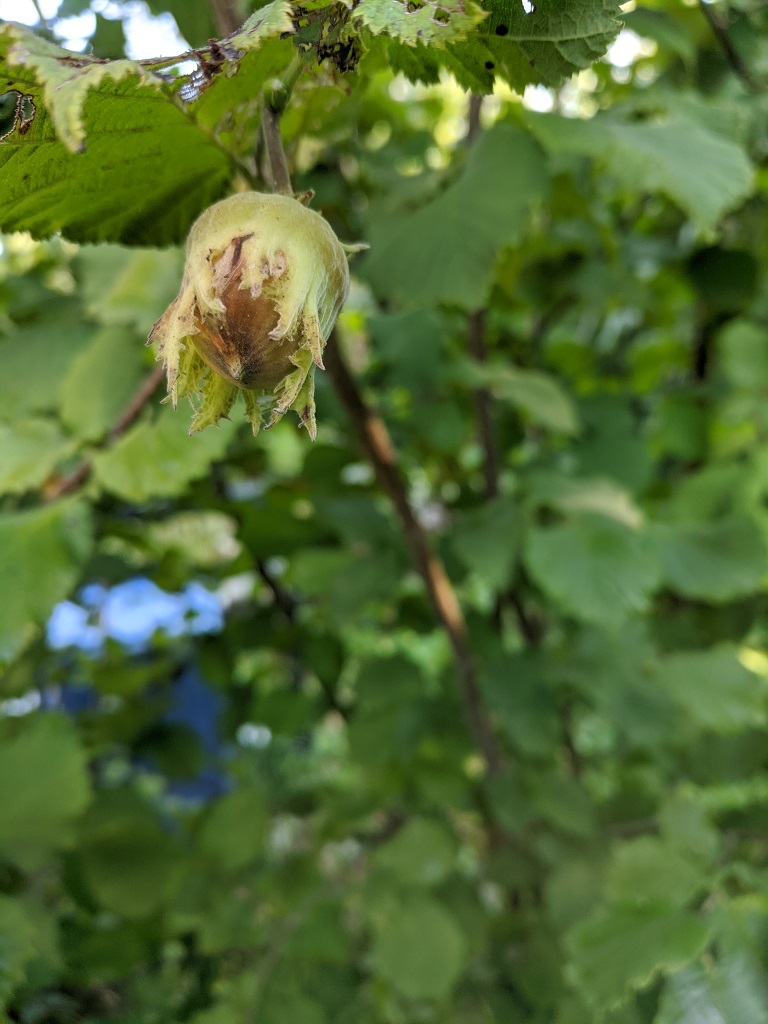
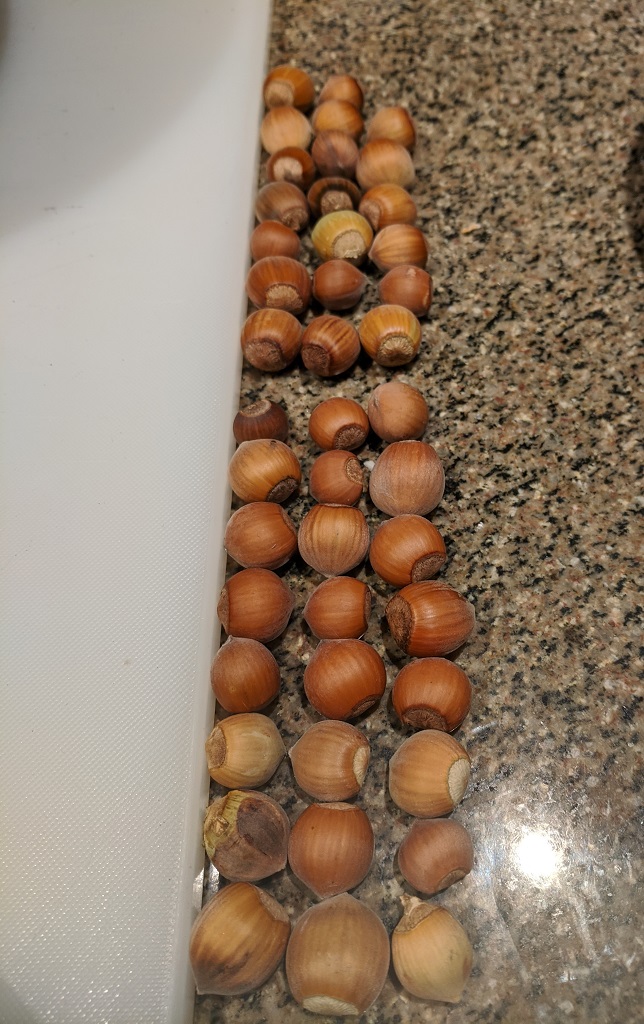
We’ve found 44 hazelnuts so far — they’re sitting out to dry. There were two really green nuts that fell — I kept those too, just to see if they’d finish ripening inside. So far, they’re browning up surprisingly well
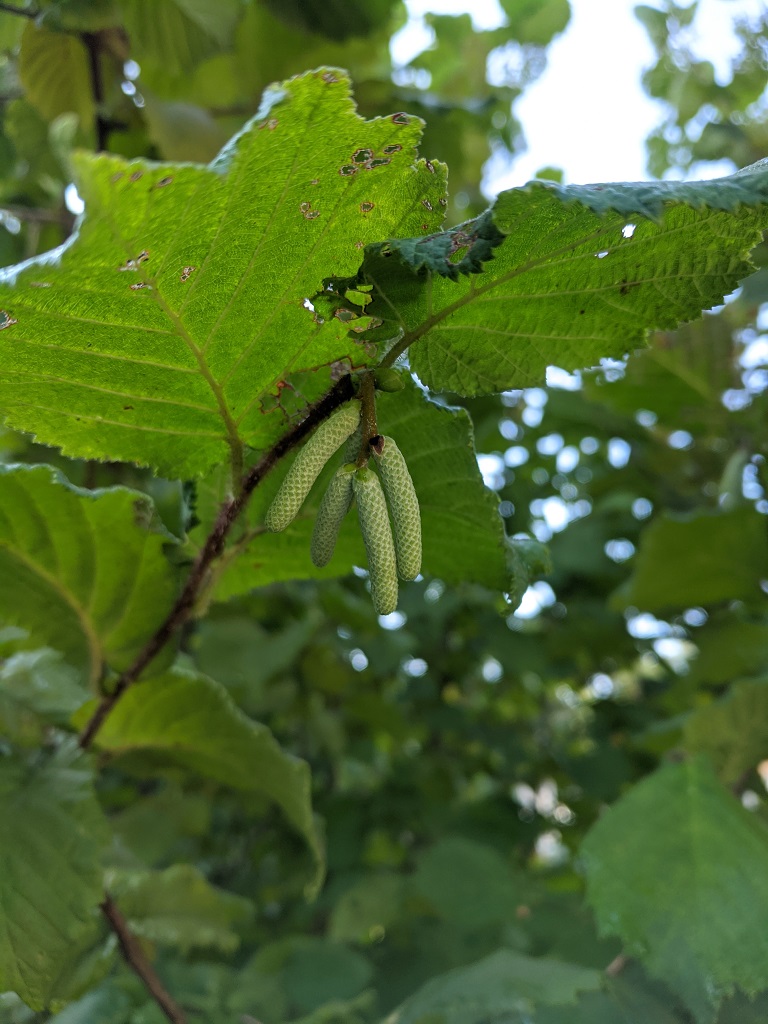
And all of the hazelnut bushes are getting ready for next year — hopefully we’ll get loads of nuts!
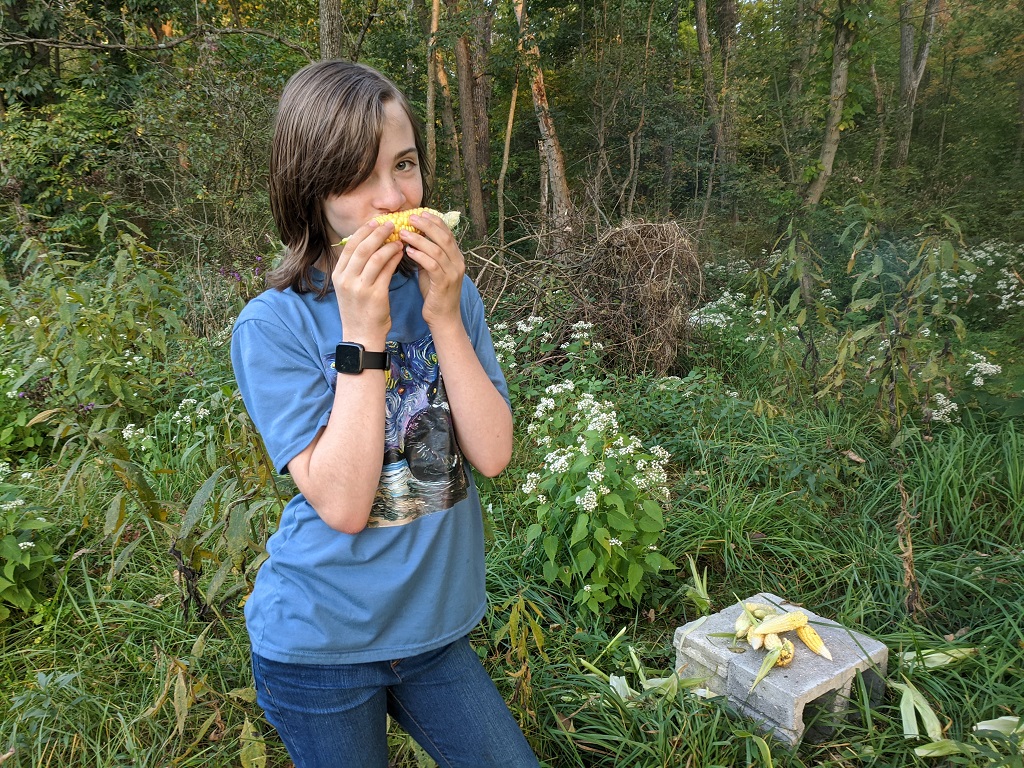
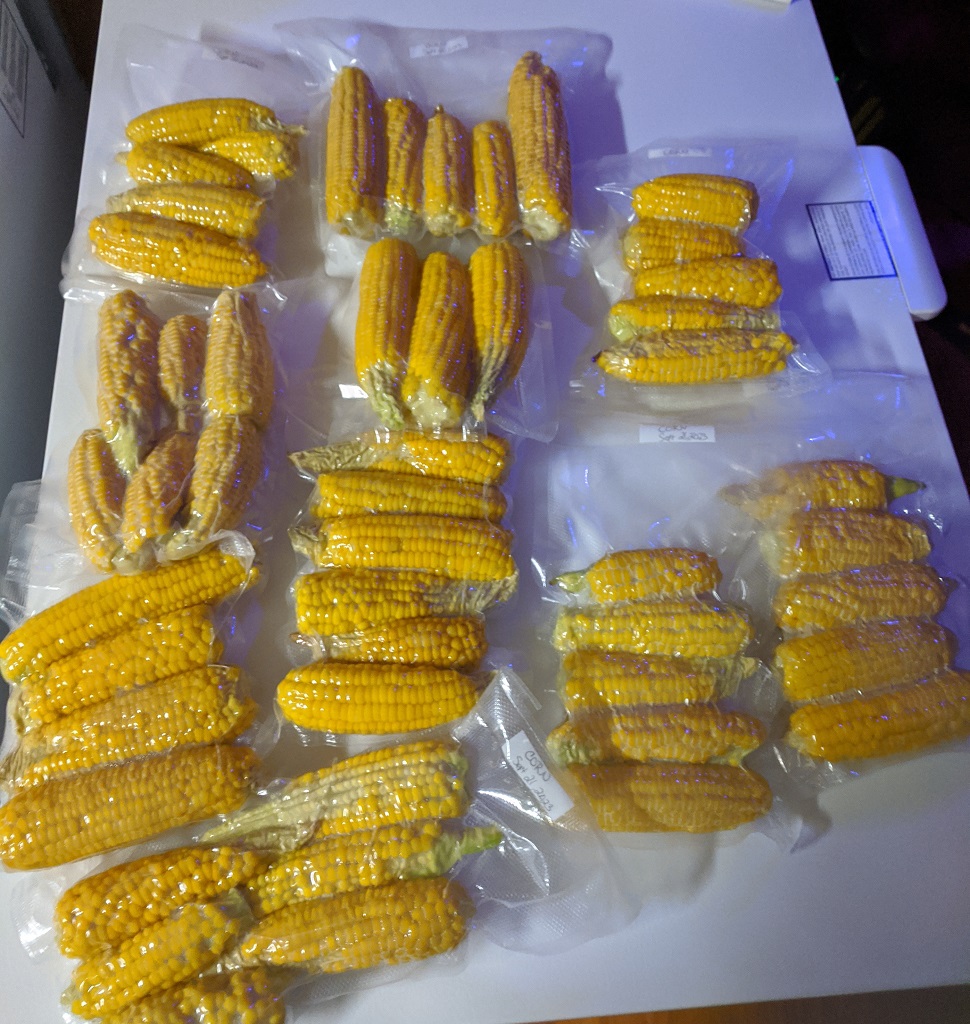
Anya and I harvested a lot of corn today — 54 cobs are in the freezer, and a few didn’t make it up the hill!
Packaged up and ready for the freezer:
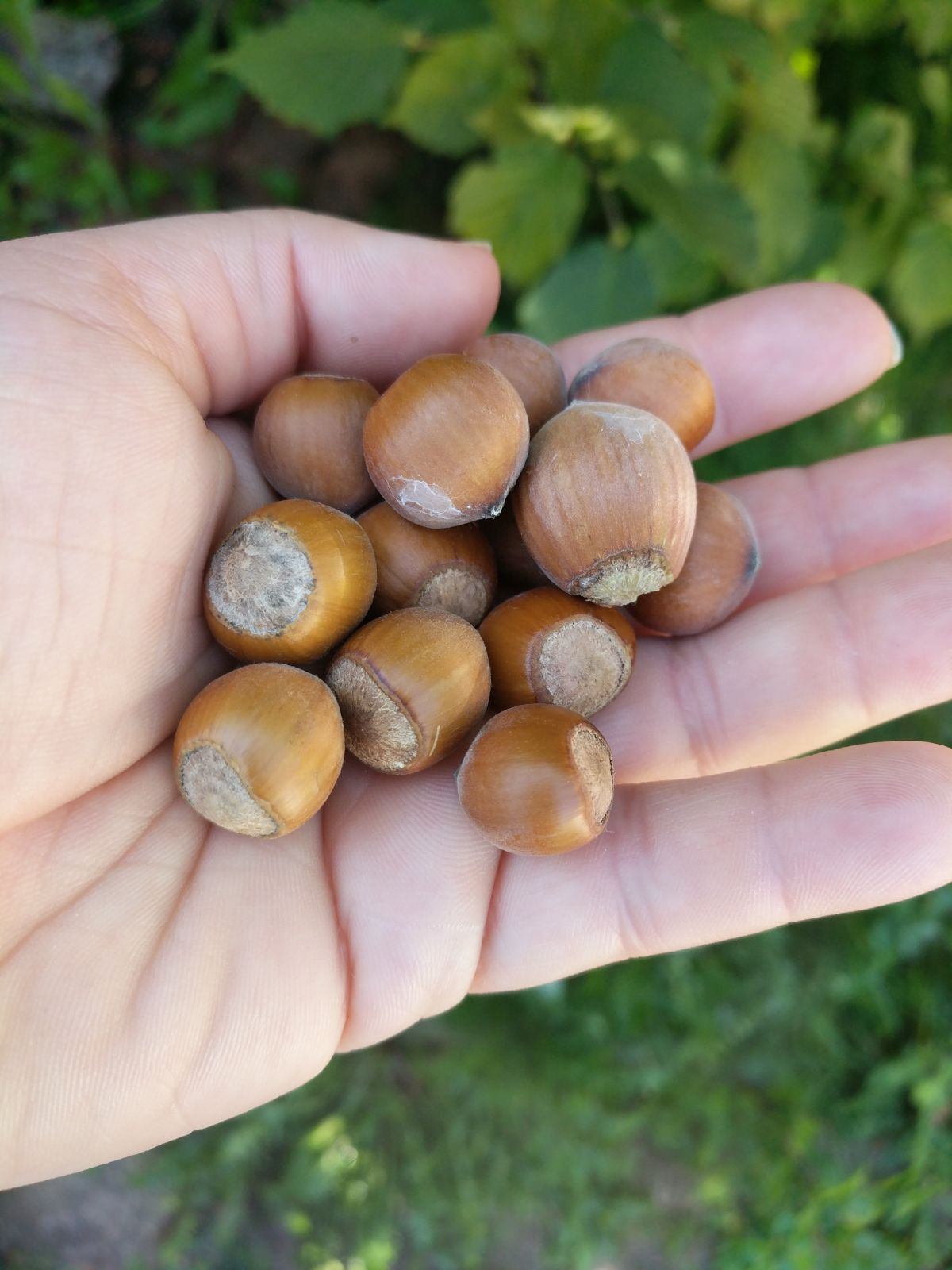
We found fourteen hazelnuts around the bushes today — and still some on the plants. There were more hazelnuts hiding under leaves than we thought.
“Any natural resource not used was wealth wasted” — it’s a quote I read in a book, and both a phrase and an ideology that I’ve been musing on. It’s an intersection of capitalism and empirical science — whilst it is difficult to ascribe a value to a “resource at rest”, there is an empirical measurement of that resources value once it is extracted and sold.
We are in the process of moving our k8s environment from CentOS 7 to RHEL 8.8 hosts — which means the version of pretty much everything involved is being updated. All of the pods that use images from an internal registry fail to load. At first, we were thinking DNS resolution … but the test pods we spun up all resolved names appropriately.
2023-09-13 13:48:34 [root@k8s ~/]# kubectl describe pod data-sync-app-deployment-78d58f7cd4-4mlsb -n streams
Events:
  Type     Reason            Age                 From               Message
  ----     ------            ----                ----               -------
  Normal   Scheduled         15m                 default-scheduler  Successfully assigned kstreams/data-sync-app-deployment-78d58f7cd4-4mlsb to ltrkarkvm1593-uos
  Normal   Pulled            15m                 kubelet            Container image "docker.elastic.co/beats/filebeat:7.9.1" already present on machine
  Normal   Created           15m                 kubelet            Created container filebeat
  Normal   Started           15m                 kubelet            Started container filebeat
  Normal   BackOff           15m (x3 over 15m)   kubelet            Back-off pulling image "imageregistry.example.net:5000/myapp/app_uat"
  Warning  Failed            15m (x3 over 15m)   kubelet            Error: ImagePullBackOff
  Normal   Pulling           14m (x3 over 15m)   kubelet            Pulling image "imageregistry.example.net:5000/myapp/app_uat"
  Warning  Failed            14m (x3 over 15m)   kubelet            Failed to pull image "imageregistry.example.net:5000/myapp/app_uat": rpc error: code = Unknown desc = failed to pull and unpack image "imageregistry.example.net:5000/myapp/app_uat:latest": failed to resolve reference "imageregistry.example.net:5000/npm/app_uat:latest": get registry endpoints: parse endpoint url: parse " http://imageregistry.example.net:5000": first path segment in URL cannot contain colon
  Warning  Failed            14m (x3 over 15m)   kubelet            Error: ErrImagePull
  Warning  DNSConfigForming  31s (x73 over 15m)  kubelet            Search Line limits were exceeded, some search paths have been omitted, the applied search line is: kstreams.s            vc.cluster.local svc.cluster.local cluster.local example.net sub1.example.net sub2.example.net
I have found “first path segment in URL cannot contain colon” in reference to Go — and some previous versions at that. There were all sorts of suggestions for working around the issue — escaping the colon, starting with “//”, adding single or double quotes around the string, downgrading to a version of Go not impacted by the problem. Nothing worked.
A few hours with no progress, I thought some time investigating “how can I work around this?” was in order. Kubernetes is using containerd … so it should be feasible to pre-stage the image in containerd and then set our imagePullPolicy values to IfNotPresent or Never
To pre-seed the images in containerd so that they are available for kubernetes run:
ctr -n=k8s.io image pull -u $REGISTRYUSER:$REGISTRYPASSWORD --plain-http imageregistry.example.net:5000/myapp/app_uat:latest
This must be run on every k8s worker in the environment — if a pod tries to spin up on server2 but you’ve only seeded the image file on server1 … the pod will fail to load. We need to update this staged image every time we make changes to the application. Better than not using the new servers, so that’ll just be the process for a while.
Ultimately, the problem ended up being that a few of the workers had a leading space in the TOML file for the repo — how that got there, I have no idea. But once there was no longer extraneous white-space, we could deploy the pods without issue. Now that it’s working “as designed”, we deleted the pre-seeded image using:
ctr -n=k8s.io images rm ImageNameHere
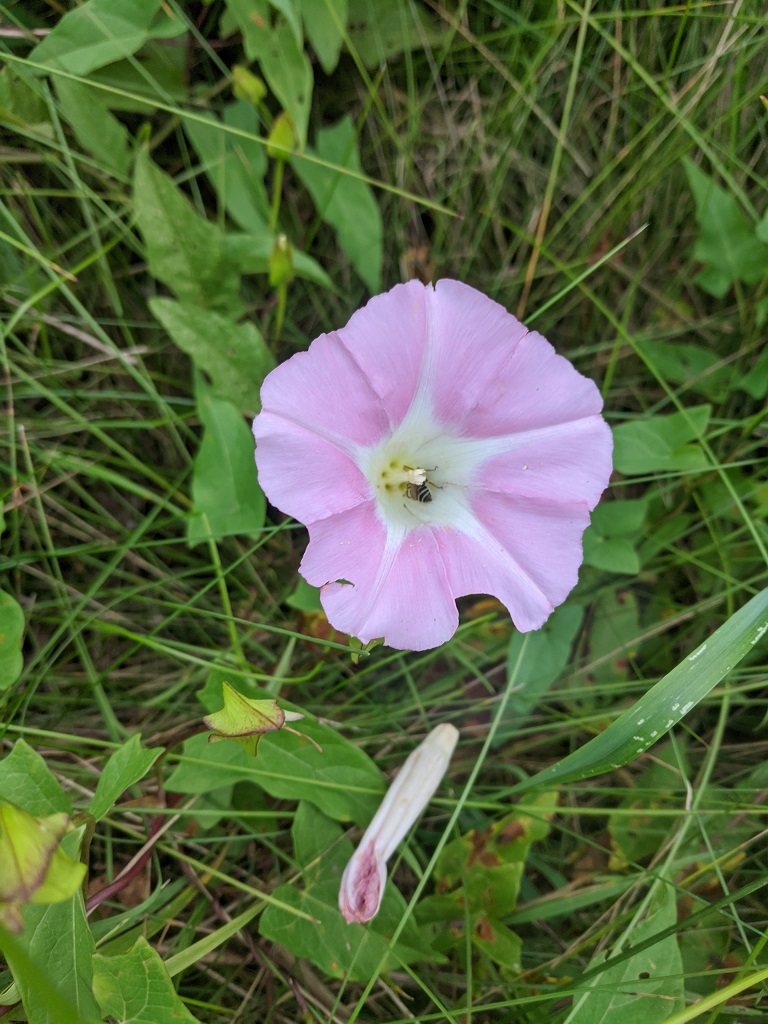
Anya and I were picking apples from the farm today, and we happened across a wild morning glory:
And an Anya:

Today, we harvested some tomatoes; Anya made a “tomato bowl” with the larger tomatoes to hold the smaller tomatoes
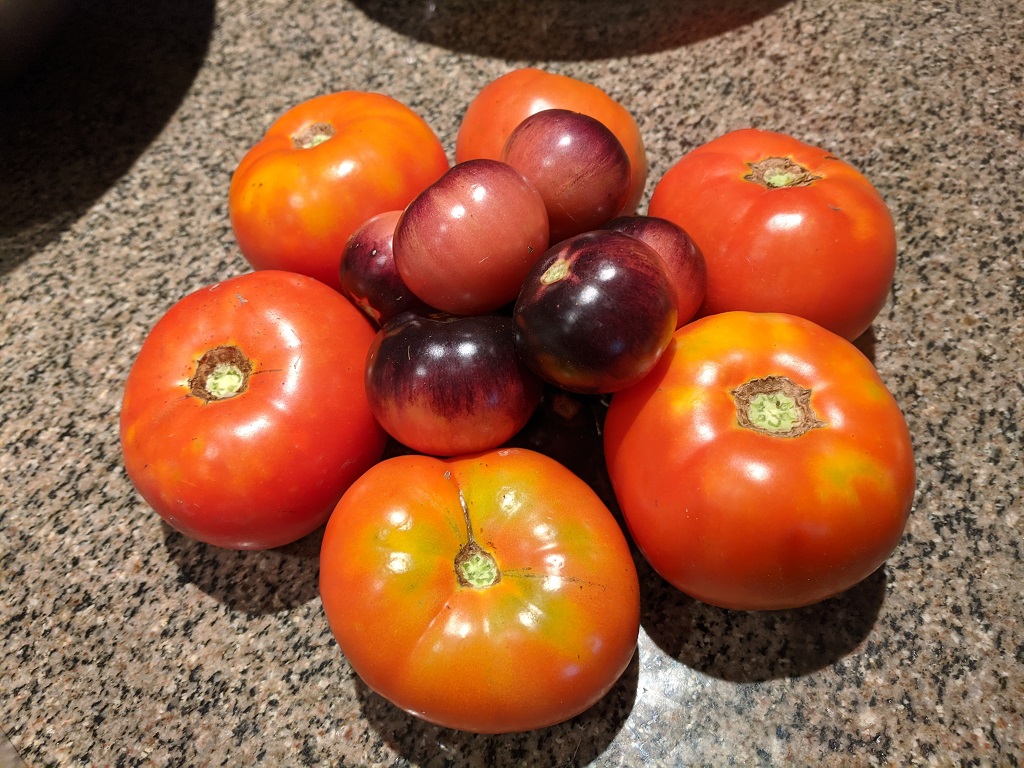
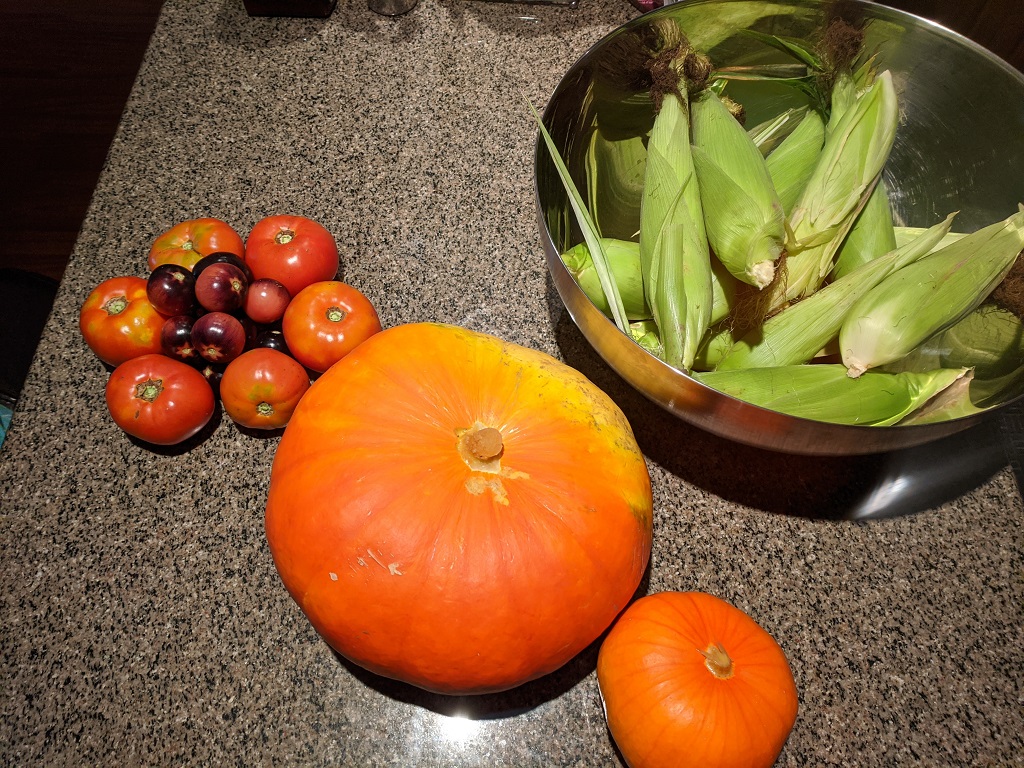
Plus corn and pumpkins!
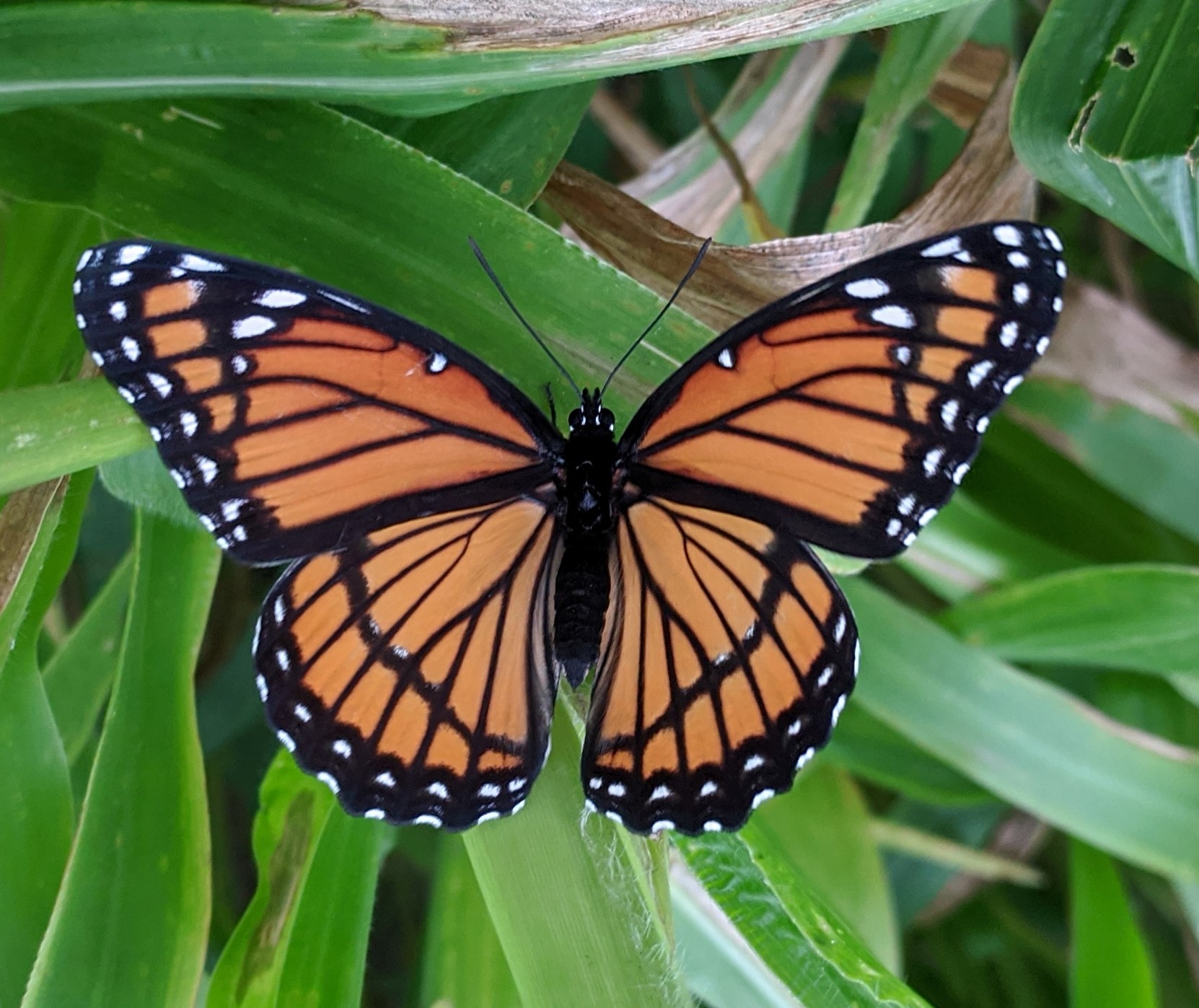
When Anya and I were harvesting corn today, we found a butterfly on the corn stalks. It seemed like it was drying its wings – slowly flapping as it basked in the sun.
When we get replacement servers at work, they frequently build a new server with a temporary name and IP address with the plan of swapping the host name and IP with the decommed server. So my Server123 gets turned down, Server123-Temp gets renamed to Server123, and the IP from the old server is configured on the replacement. Everything is operating exactly as it was before even if the direct host name or IP address were used — great for not needing to update firewall rules and vpn profiles, but I encountered a bit of a problem with the MongoDB cluster.
When I initiated the replica set, I did not have to specify a host name. It pulled the host name from the system — which happily provided that temporary name that doesn’t really exist (it’s not in DNS). Which was fine — I could add the temporary name to /etc/hosts along with the future name that I’ve remapped to the current IP so my “new” VMs all talk to each other and the old servers don’t get mucked up.
But, eventually, I’d like the replica set to have the right names. Had I known about this ahead of time, I’d simply have changed the host name value on the box to be the permanent name, initialized the replica set, and returned the temporary name to the box. But I didn’t, and I didn’t really want to start from 0 with the database I’d restored. Luckily, it turns out there’s a process for re-creating the replica set without destroying the data.
First, edit the mongo.conf file and comment out the replica set block. Restart each server with the new config. Then delete the “local” database from each MongoDB server using mongo local --eval "db.dropDatabase()"
Uncomment the replica set block in mongo.conf and restart MongoDB again — initialize the replica set again (make sure the server “knows” it’s proper name first!)