We’re boiling sap — and Scott learned that the Ohio DMV system calculates expiry dates by “today but change the year”. So … you cannot register a car on Feb 29th since there is no Feb 29th next year. Maybe you could do a four-year registration?
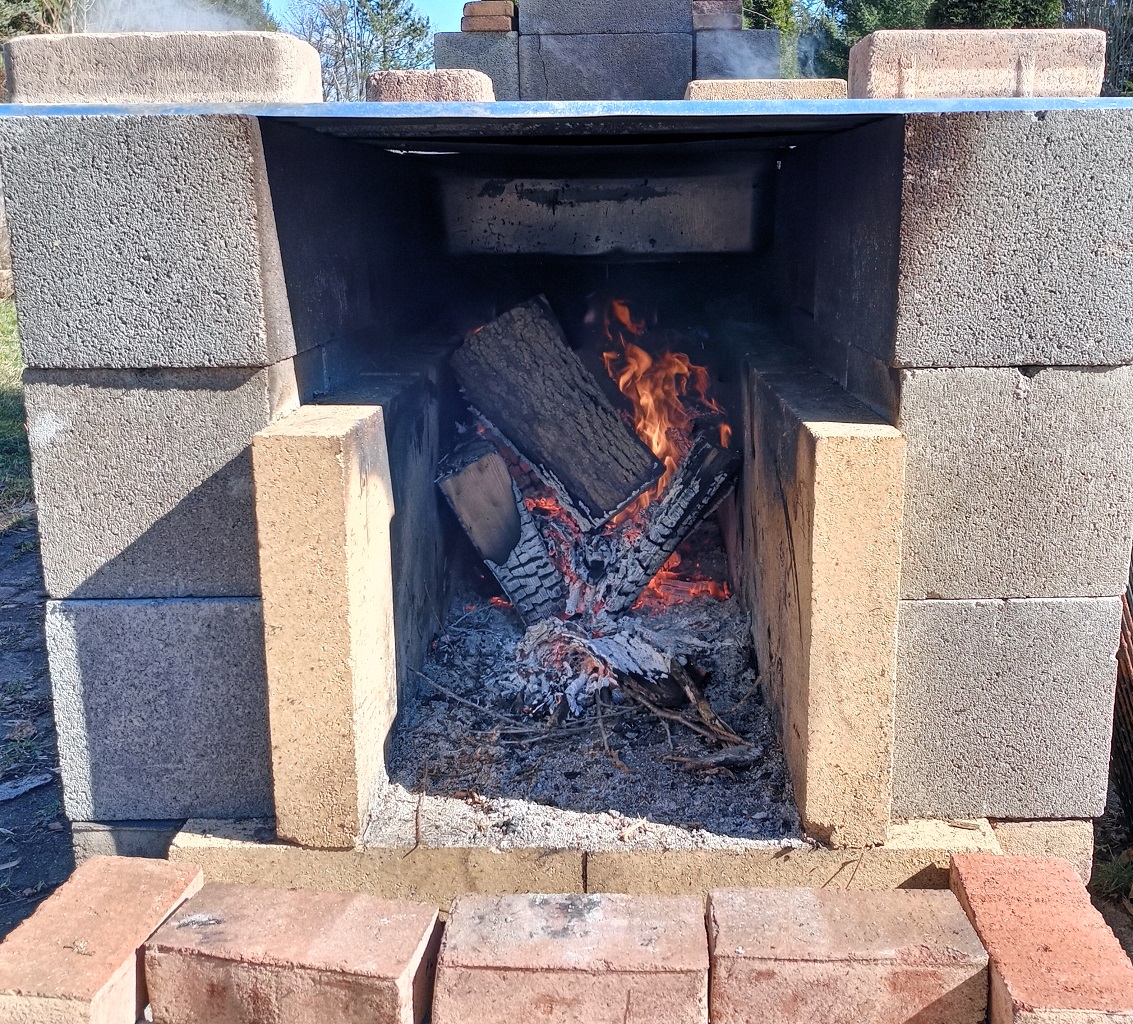

We’re boiling sap — and Scott learned that the Ohio DMV system calculates expiry dates by “today but change the year”. So … you cannot register a car on Feb 29th since there is no Feb 29th next year. Maybe you could do a four-year registration?
Still collecting sap — the enormous tree by the river was disappointing. No sap from two taps! The big black walnut trees are producing well, but the smaller trees didn’t do anything.
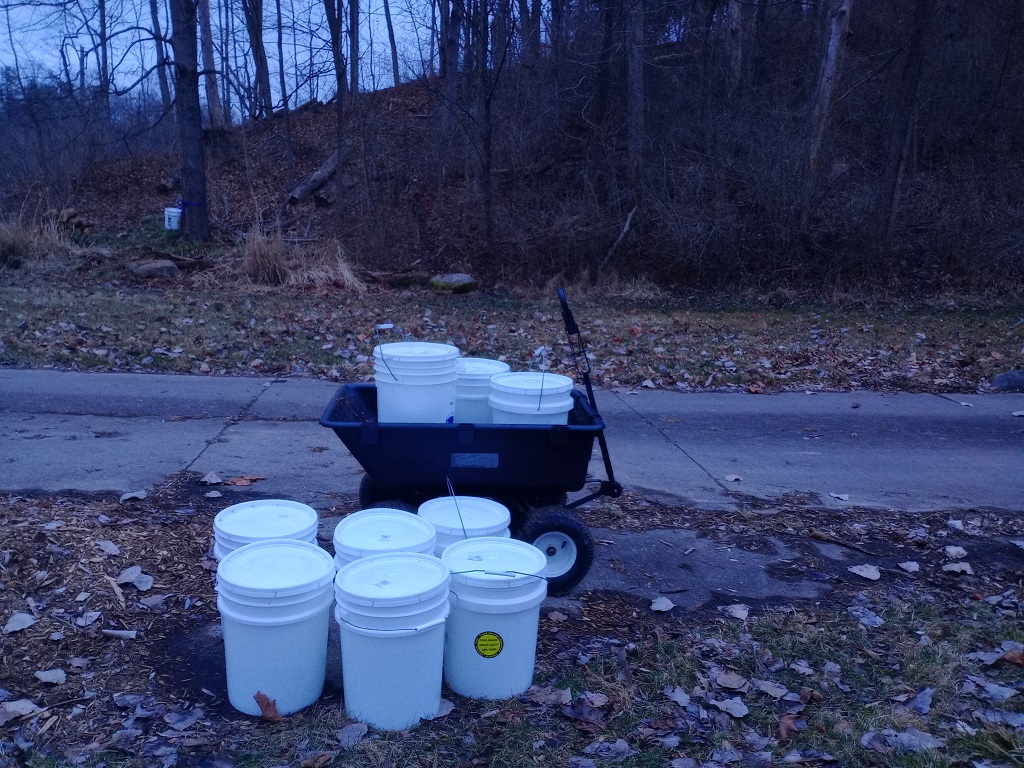
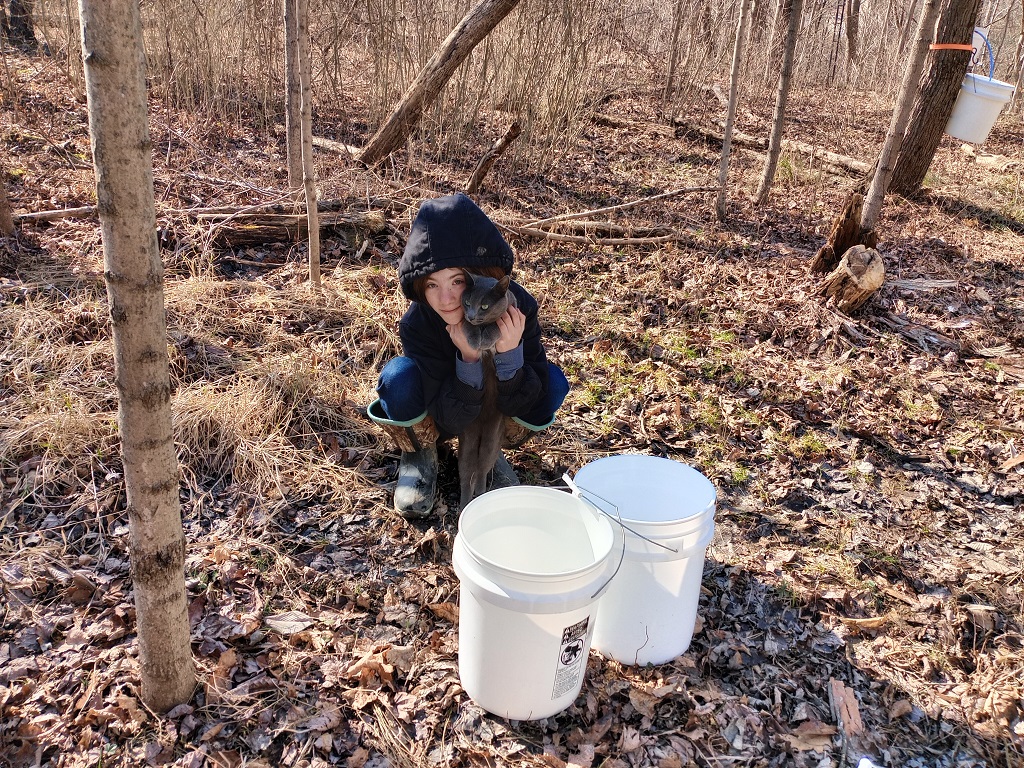
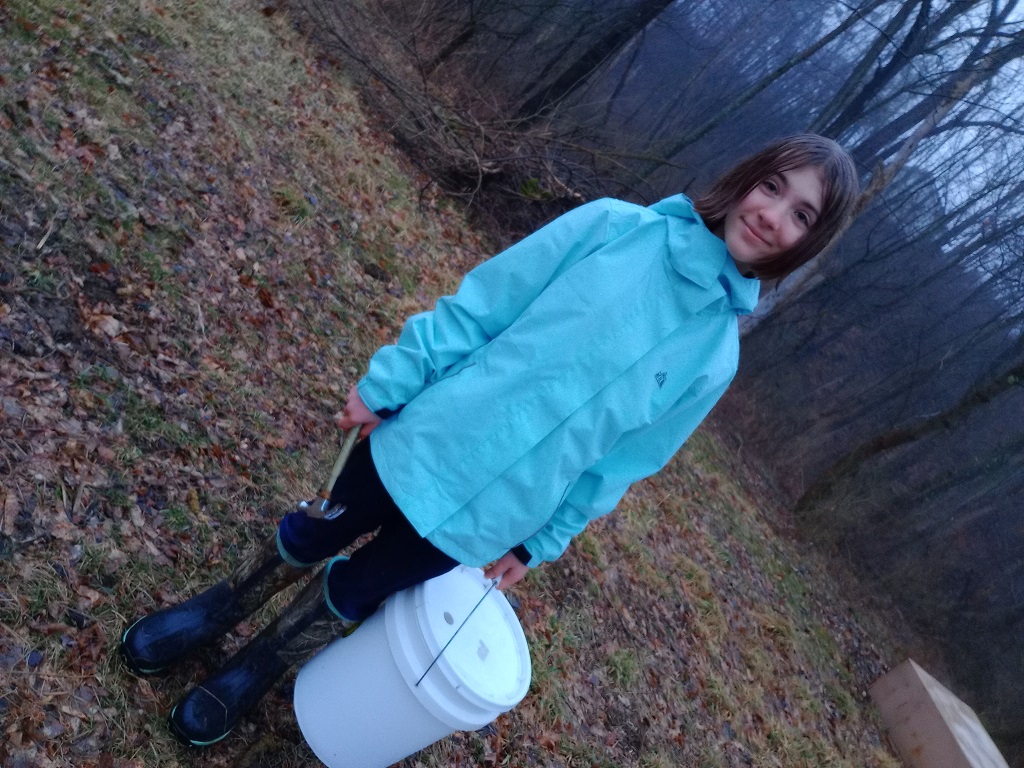
We started collecting our maple sap — somewhere around 80 gallons of sap which will make 2 gallons of syrup. This is the first year we had kitten helpers – they were rather puzzled by the ratchet straps and buckets on the trees, but they enjoyed that we were playing in the woods with them. Even if they couldn’t figure out what our game was.
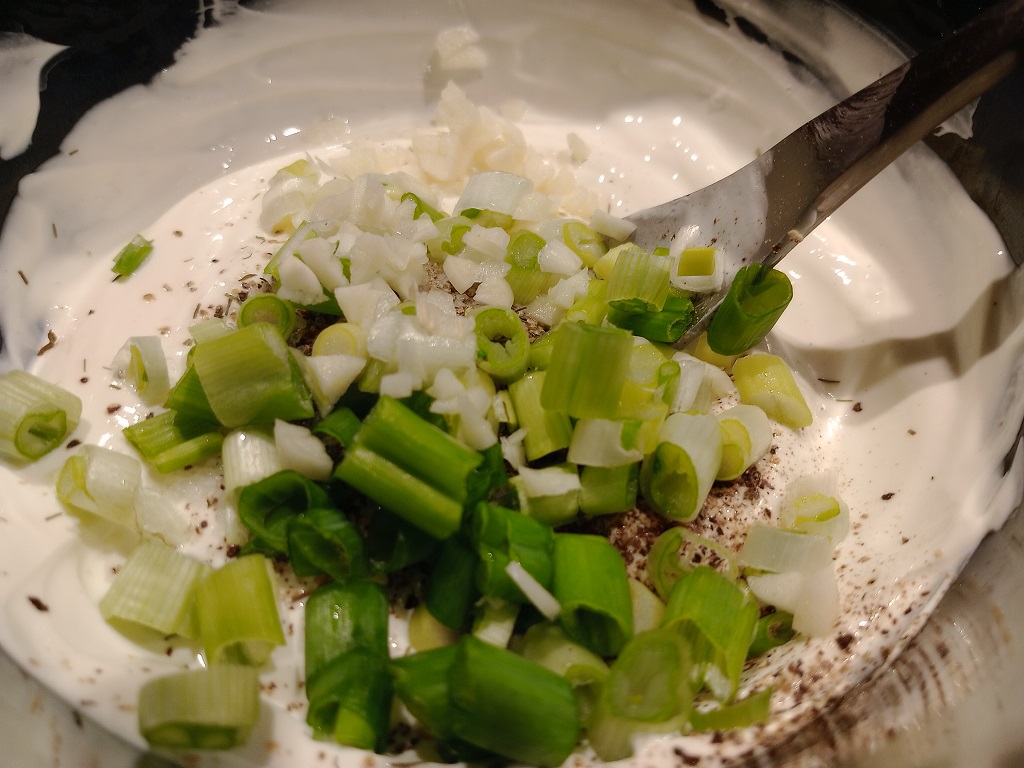
Mixed all together in a bowl
And served with veggies

I think this is one of those things that people don’t normally do at home, and the folks who configure this in enterprises know what they’re doing and don’t need guidance on how to do basic network things. But … we wanted to have two network cards in our server so high network traffic usage like backups and TV recording don’t create contention. When I was a server admin, I’d set up link aggregation — bonding, teaming — and it just magically worked. We’d put in a port request to get the new port turned up, note it was going to be a teamed interface, do our OS config, and everything was fine. What the network guys did? I had no idea. Well, now I do!
On the switch — a Cisco 2960-S in this case — you need to create an EtherChannel and assign the ports to that channel. Telnet’ing to the switch, you first need to elevate your privileges as we start with level 1
wc2906s01>show priv
Current privilege level is 1
One you’ve entered privilege level 15, go into config term. Create the port-channel interface and assign it a number (I used 1, but 1 through 6 are options). Then go into each interface and add it to the port channel group you just created (again 1) — I set the mode to “on” because I doubt our server is going to negotiate PAgP and I didn’t want to get into setting up LACP.
enable 15
config term

interface Port-channel 1

interface GigabitEthernet1/0/13
channel-group 1 mode on

interface GigabitEthernet1/0/14
channel-group 1 mode on

# src-mac is the default, can change to something else
# e.g. src-dst-mac would be set using
# port-channel load-balance src-dst-mac
end
Done! Using show etherchannel summary confirms that this worked:
wc2906s01>show etherchannel summary
Flags: D - down P - bundled in port-channel
I - stand-alone s - suspended
H - Hot-standby (LACP only)
R - Layer3 S - Layer2
U - in use f - failed to allocate aggregator

M - not in use, minimum links not met
u - unsuitable for bundling
w - waiting to be aggregated
d - default port

Number of channel-groups in use: 1
Number of aggregators: 1

Group Port-channel Protocol Ports
------+-------------+-----------+-----------------------------------------------
1 Po1(SU) - Gi1/0/13(P) Gi1/0/14(P)
Then you can configure a network bond in Fedora and add the physical interfaces. Since we’re using KVM/QEMU, there is a VMBridge bridge that contains the bond, and the bond joins two physical interfaces named enp10s2 and enp0s25
# VM Bridge configuration
[lisa@fedora39 /etc/NetworkManager/system-connections/]# cat vmbridge.nmconnection
[connection]
id=vmbridge
uuid=b2bca190-827b-4aa4-a4f5-95752525e5e5
type=bridge
interface-name=vmbridge
metered=2
timestamp=1708742580
[ethernet]
[bridge]
multicast-snooping=false
priority=1
stp=false
[ipv4]
address1=10.1.2.3/24,10.5.5.1
dns=10.1.2.200;10.1.2.199;
dns-search=example.com;
may-fail=false
method=manual
[ipv6]
addr-gen-mode=stable-privacy
method=disabled
[proxy]
# Bond configuration — master is the vmbridge, and the round robin load balancing option is used.
[lisa@fedora39 /etc/NetworkManager/system-connections/]# cat bond0.nmconnection
[connection]
id=bond0
uuid=15556a5e-55c5-4505-a5d5-a5c547b5155b
type=bond
interface-name=bond0
master=vmbridge
metered=2
slave-type=bridge
timestamp=1708742580
[bond]
downdelay=0
miimon=1
mode=balance-rr
updelay=0
[bridge-port]
# Finally two network interfaces that are mastered by bond2
[lisa@fedora39 /etc/NetworkManager/system-connections/]# cat enp0s25.nmconnection
[connection]
id=enp0s25
uuid=159535a5-65e5-45f5-a505-a53555958525
type=ethernet
interface-name=enp0s25
master=bond0
metered=2
slave-type=bond
timestamp=1708733538
[ethernet]
auto-negotiate=true
mac-address=55:65:D5:15:A5:25
wake-on-lan=32768
[lisa@fedora39 /etc/NetworkManager/system-connections/]# cat enp10s2.nmconnection
[connection]
id=enp10s2
uuid=158525f5-f5d5-4515-9525-55e515c585b5
type=ethernet
interface-name=enp10s2
master=bond0
metered=2
slave-type=bond
timestamp=1708733538
[ethernet]
auto-negotiate=true
mac-address=55:35:25:D5:45:B5
wake-on-lan=32768
Restart NetworkManager to bring everything online. Voila — two network interfaces joined together and connected to the switch. Check out the bond file under /proc/net/bonding to verify this side is working.
[lisa@fedora39 ~/]# cat /proc/net/bonding/bond0
Ethernet Channel Bonding Driver: v6.7.5-200.fc39.x86_64
Bonding Mode: load balancing (round-robin)
MII Status: up
MII Polling Interval (ms): 1
Up Delay (ms): 0
Down Delay (ms): 0
Peer Notification Delay (ms): 0
Slave Interface: enp0s25
MII Status: up
Speed: 1000 Mbps
Duplex: full
Link Failure Count: 2
Permanent HW addr: 55:65:d5:15:a5:25
Slave queue ID: 0
Slave Interface: enp10s2
MII Status: up
Speed: 1000 Mbps
Duplex: full
Link Failure Count: 0
Permanent HW addr: 55:35:35:d5:45:b5
Slave queue ID: 0
There’s a rather innocuous sounding bug in Apache Airflow that should be corrected in 2.8.2 — https://github.com/apache/airflow/pull/36538 — that means you absolutely cannot set up SSO using OAUTH with FabAirflowSecurityManagerOverride. Using the deprecated AirflowSecurityManager would work, manually updating your Apache Airflow code with the fix will work. But there’s no point in trying to set up SSO with the FabAirflowSecurityManagerOverride as your custom security manager — whatever lovely code you write won’t be invoked, you’ll get an error saying the username or email address is not present even though you thoughtfully wrote out some custom code to map out those exact attributes, and it all looks like it should be working!
We’ve got 43 maple trees and two black walnut trees tapped. 18 maples were tapped yesterday in the back woods (plus the one right by the driveway).
The big maple by the river, that I’ve been waiting to tap since we found it … had nothing! Hopefully sap starts flowing there too. The other trees, though, were drip, drip, dripping steadily
We have a number of applications that authenticate to Active Directory. Invariably, when there are authentication issues, the vendor support person asks “what version of AD is this?” … not an unreasonable question, but also not something the person who supports Application XYZ is apt to know in a larger company. Fortunately, there are a few places within the directory that you can find details about AD versions.
The simplest is the version of Windows the domain controllers are running … although it’s possible domain controllers have been upgraded but the AD functional level has not yet been changed.
ldapsearch -h ad.example.com -D "ldapquery@example.com" -w "P@s54LD@pQu3ry" -p389 -b "ou=domain controllers,dc=example,dc=com" "(&(objectClass=computer))" operatingSystem
CN=dc007,OU=Domain Controllers,dc=example,DC=com
operatingSystem=Windows Server 2019 Datacenter
CN=dc008,OU=Domain Controllers,dc=example,DC=com
operatingSystem=Windows Server 2019 Datacenter
CN=dc020,OU=Domain Controllers,dc=example,DC=com
operatingSystem=Windows Server 2019 Datacenter
CN=dc021,OU=Domain Controllers,dc=example,DC=com
operatingSystem=Windows Server 2019 Datacenter
You can also find the objectVersion of the schema:
ldapsearch -h ad.example.com -D "ldapquery@example.com" -w "P@s54LD@pQu3ry" -p389 -b "cn=schema,cn=configuration,dc=example,dc=com" "(&(objectVersion=*))" objectVersion
CN=Schema,CN=Configuration,dc=example,DC=com
objectVersion=88
What does 88 mean? It depends! Either Windows 2019 or 2022
| Version | Operating System |
|---|---|
| 13 | Windows 2000 Server |
| 30 | Windows Server 2003 (Before R2) |
| 31 | Windows Server 2003 R2 |
| 44 | Windows Server 2008 (Before R2) |
| 47 | Windows Server 2008 R2 |
| 56 | Windows Server 2012 |
| 69 | Windows Server 2012 R2 |
| 87 | Windows Server 2016 |
| 88 | Windows Server 2019 |
| 88 | Windows Server 2022 |
Or the functional level of the forest and its partitions:
ldapsearch -H ldap://ad.example.com -D "ldapquery@example.com" -w "P@s54LD@pQu3ry" -b "cn=partitions,cn=configuration,dc=example,dc=com" "(&(MSDS-Behavior-Version=*))" MSDS-Behavior-Version
dn: CN=Partitions,CN=Configuration,DC=example,DC=com
msDS-Behavior-Version: 7
dn: CN=EXAMPLE,CN=Partitions,CN=Configuration,DC=example,DC=com
msDS-Behavior-Version: 7
What does 7 mean? Well, that depends too. It’s either Windows 2016 or 2019!
| msDS-Behavior-Version | Forest |
Domain | Domain Controller |
| 0 | 2000 | 2000 Mixed / Native | 2000 |
| 1 | 2003 Interim | 2003 Interim | N/A |
| 2 | 2003 | 2003 | 2003 |
| 3 | 2008 | 2008 | 2008 |
| 4 | 2008 R2 | 2008 R2 | 2008 R2 |
| 5 | 2012 | 2012 | 2012 |
| 6 | 2012 R2 | 2012 R2 | 2012 R2 |
| 7 | 2016 | 2016 | 2016 |
| 7 | 2019 | 2019 | 2019 |
We saw the first turkey vultures of the year today. Counting down until March 15th when the Wizard of Hinckley turns them all into buzzards!

Quick command to list each running VM and the vnet that is associated to the VM
for vm in $(virsh list | grep running | awk '{print $2}'); do echo -n "$vm:"; virsh dumpxml $vm| grep -oP "vnet\d+" ; done