Trying again with the bigger, better incubator — 22 duck eggs and 19 chicken eggs.
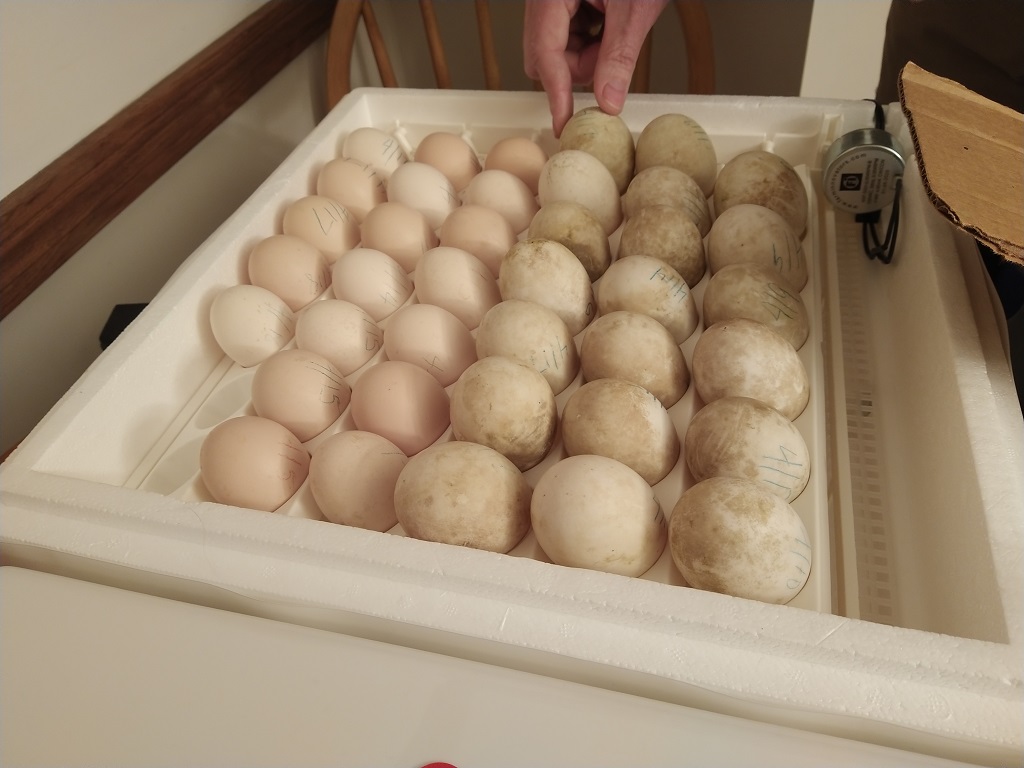
Trying again with the bigger, better incubator — 22 duck eggs and 19 chicken eggs.
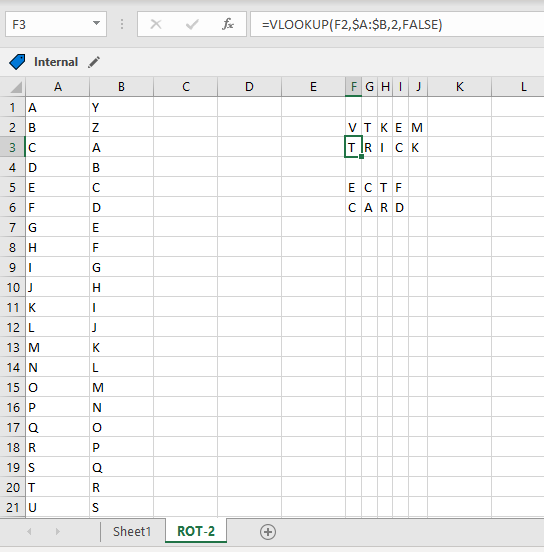
Anya has made us a scavenger hunt complete with clues — clues that are encrypted! While working out a ROT-1 or ROT-2 decryption isn’t terribly difficult, it was getting a little time consuming [especially when what was advertised as ROT-1 was actually ROT-(25) and I had to do it all over again!], so I made a quick spreadsheet to decrypt strings. The letter pairs are in the first two columns, then VLOOKUP is used to convert the printed character to the actual one. I found a trick card!
In all of these examples, the copy/paste text uses localhost and port 9200. Since some of my sandboxes don’t use the default port, some of the example outputs will use a different port. Obviously, use your hostname and port. And, if your ES instance requires authentication, add the “-u” option with the user (or user:password … but that’s not a good idea outside of sandboxes as the password is then stored to the shell history). If you are using https for the API endpoint, you may also need to add the “-k” option to establish an untrusted SSL connection (e.g. the CA isn’t trusted by your OS).
curl -k -u elastic https://localhost...
Listing All Indices
Use the following command to list all of the indices in the ES system:
curl http://localhost:9200/_cat/indices?v
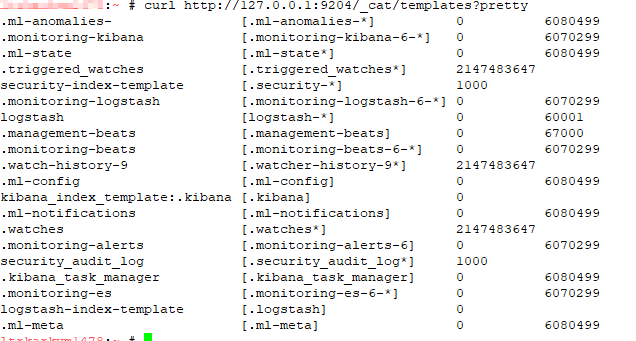
Listing All Templates
Use the following command to list all of the templates:
curl http://localhost:9200/_cat/templates?pretty
Explain Shard Allocation
I was asked to help get a ELK installation back into working order — one of the things I noticed is that all of the indices were yellow. The log file showed allocation errors. This command reported on the allocation decision that was being made. In the case I was looking at, the problem became immediately obvious — it was a single node system and 1 replica was defined. The explanation was that the shard could not be stored because it already existed in that place.
curl http://localhost:9200/_cluster/allocation/explain
If the maximum number of allocation retries has been exceeded, you can force ES to re-try allocation (as an example, a disk was full for an extended period of time but space has been cleared and everything should work now)
curl http://localhost:9200/_cluster/reroute?retry_failed=true
Set the Number of Replicas for a Single Index
Once I identified that the single node ELK instance had indices configured
curl -X PUT \
http://127.0.0.1:9200/logstash-2021.05.08/_settings \
-H 'cache-control: no-cache' \
-H 'content-type: application/json' \
-d '{"index" : {"number_of_replicas" : 0}}
'
Add an Alias to an Index
To add an alias to an existing index, use PUT /<indexname>/_alias/<aliasname> — e.g.
PUT /ljr-2022.07.05/_alias/ljr
Well, the 2022 maple season is over — I think our taps have dried up because we’ve had a few freeze/thaw days and haven’t really yielded an appreciable amount of sap. We only got like 2.5 gallons of syrup this year — much less than expected … and we need to be ready to tap in January next year when the first week of freeze/thaw hits. While I love the flavor of late-season syrup, we’re getting way too many warm days in March for good sap production.
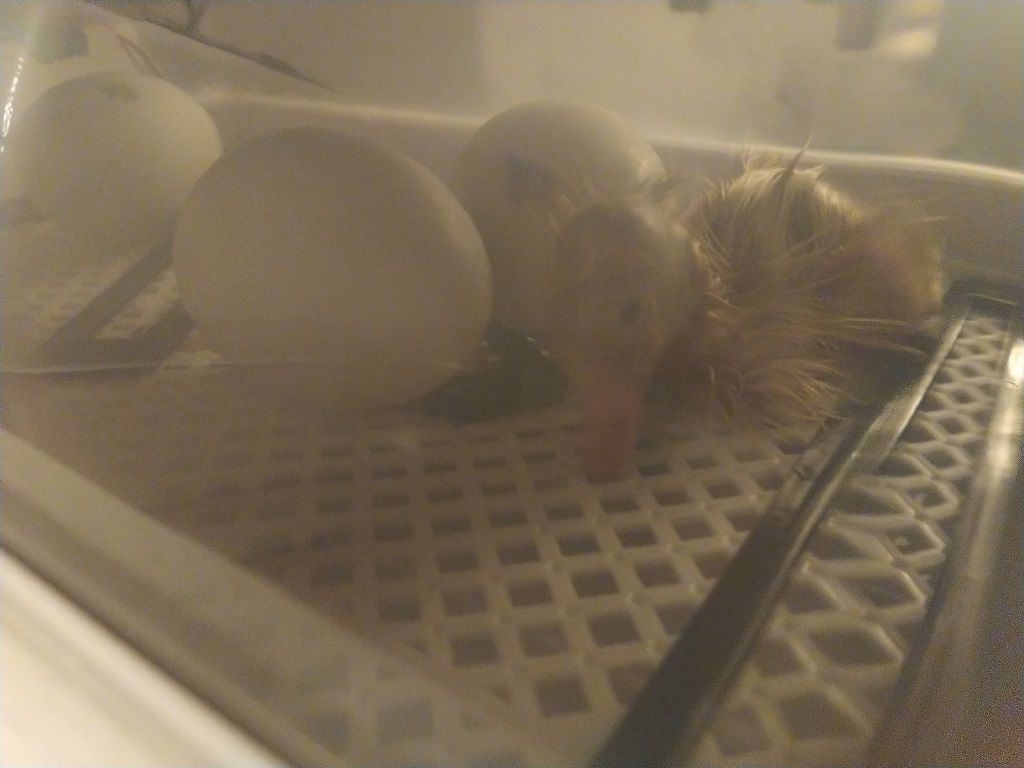
We finally know what a newly hatched duck looks like! The little ones we got last year were a week or three old when we bought them, so we’d never seen exactly how tiny a duckling can be.
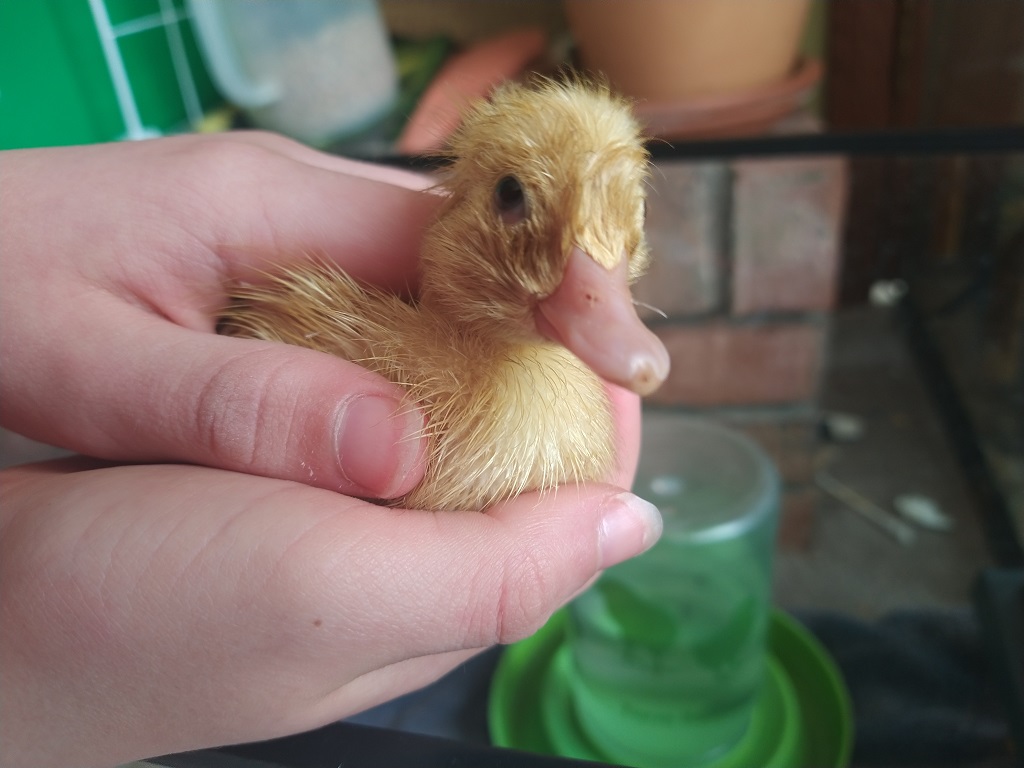
Awww — one little ducky has hatched!
I’ll start by acknowledging that, of course, you could just redeploy the container with the settings you want now. The whole point of containerized development is that anything “good” should either be part of the deployment settings or data persisted outside of the container. So, in theory, redeploying the container every day shouldn’t really be detectable. Even when you didn’t deploy the original container (i.e. you don’t have the Dockerfile or docker run command handy to tweak as needed), you can reverse engineer what you need from docker inspect. But sometimes? It’s quicker/easier/more convenient to just fix what you need to within the existing container. And it is possible to do so.
The trickiest part is finding the right file to edit.
# cd into docker container definition folder
cd /var/lib/docker/containers/
# find the guid for the container you want to edit
docker ps
# Find the corresponding folder name
ls -al | grep bc9dc66882af
# cd into that folder
cd bc9dc66882af18f59c209faf10031fe21765571d0a2fe4a32a768a1d52cc1e53
# Edit the config.v2.json file for the container
vi config.v2.json
# And, finally, restart docker
systemctl stop docker
systemctl start docker

Quick command to report on the IP addresses of all containers running on a Docker server:
docker ps | awk 'NR>1{ print $1 }' | xargs docker inspect -f '{{range .NetworkSettings.Networks}}{{$.Name}}{{" "}}{{.IPAddress}}{{end}}'

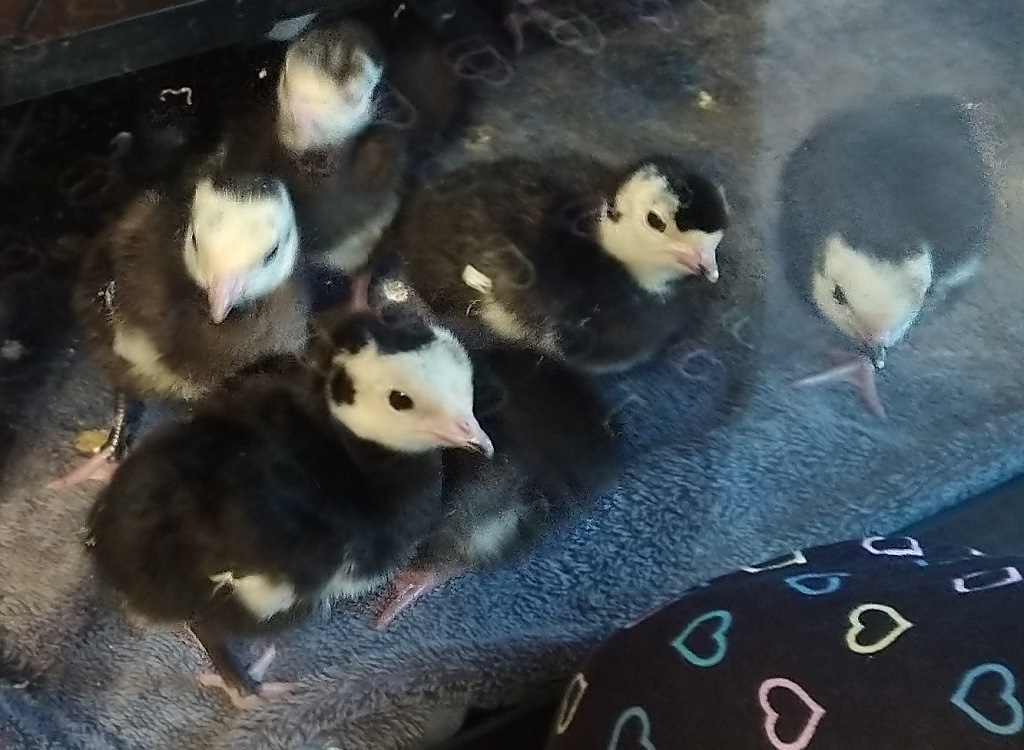
The new turkeys arrived today — last year, USPS shipping was a horrible experience. This year, I called a few hatcheries to confirm they’ve been able to delivery healthy, happy poults. Meyers said they hadn’t had delivery problems, so we ordered 20 Black Spanish turkeys from them. They shipped yesterday, the shipping notice was delivered overnight, and the USPS clerk called at 6:30 this morning to let me know they arrived. Wow, was that early!
We got all the little ones into their brooder, fed, and watered (having more healthy birds seems to help because one little guy eats or drinks and a whole flock of little ones come over and copy it).
Scott set up one of the ESP32’s that we use as environmental sensors to monitor the incubator. There’s an audible alarm if it gets too warm or cold, but that’s only useful if you’re pretty close to the unit. We had gotten a cheap rectangular incubator from Amazon — it’s got some quirks. The display says C, but if we’ve got eggs in a box that’s 100C? They’d be cooked. The number is F, but the letter “C” follows it … there’s supposed to be a calibration menu option, but there isn’t. Worse, though — the temperature sensor is off by a few degrees. If calibration was an option, that wouldn’t be a big deal … but the only way we’re able to get the device over 97F is by taping the temperature probe up to the top of the unit.
So we’ve got an DHT11 sensor inside of the incubator and the ESP32 sends temperature and humidity readings over MQTT to OpenHAB. There are text and audio alerts if the temperature or humidity aren’t in the “good” window. This means you can be out in the yard or away from home and still know if there’s a problem (since data is stored in a database table, we can even chart out the temperature or humidity across the entire incubation period).
We also bought a larger incubator for the chicken eggs — and there’s a new ESP32 and sensor in the larger incubator.