Tractor

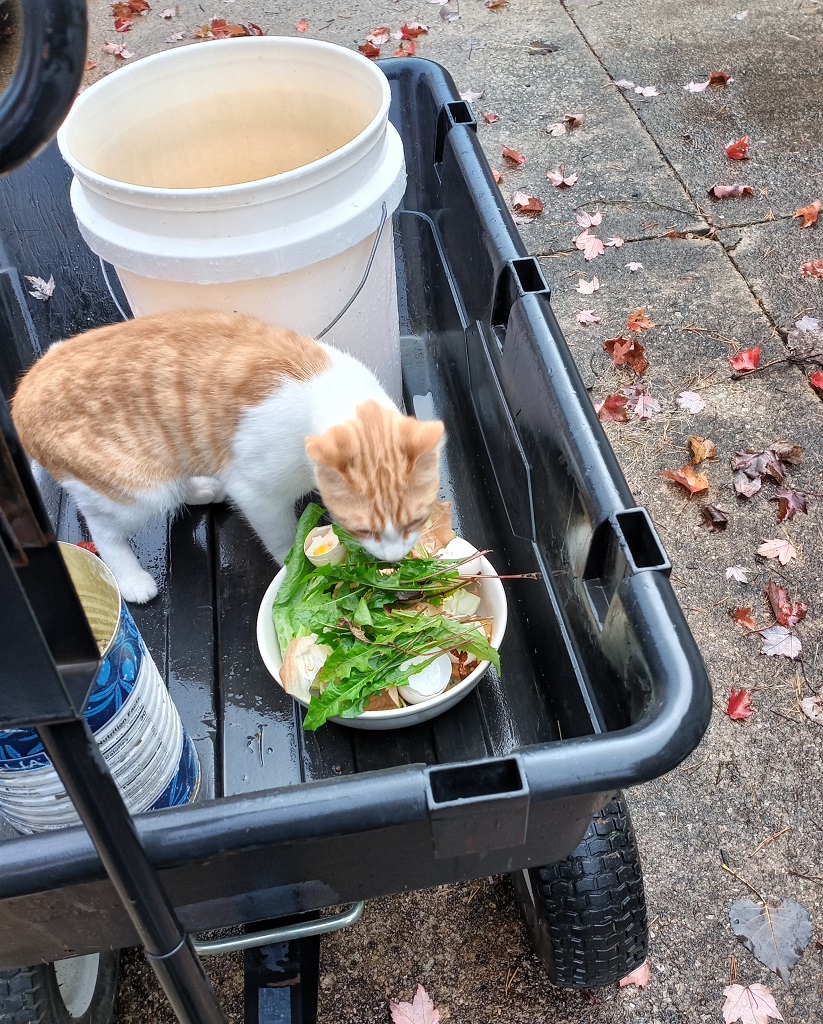
It’s been an adventure, but the tractor is finally home! We went out yesterday to drive it home, but a leaky hydraulic system squashed that idea. Today, we got a trailer (had to run home and get the right plug for the back of the pickup), drove out, and trailered the tractor home. That was quite an adventure — I couldn’t imagine trying to drive a tractor that distance!

Postgresql SPLIT_PART and TRANSLATE

We have a database where there’s a single field, args, into which the vendor has glommed quite a few different things. Unfortunately, I need one of those numbers.

"---
- Workbook
- 4477
- Sample Report
- 18116
- null
"

You can use split_part to break a column into elements and only use one of those elements split_part(column_to_split, delimiter, ColumnToKeep)

As an example:
SPLIT_PART(b.args, E'\n', 3)AS task_workbook_id

In this case, I subsequently needed to eliminate the dash and space that prefixed the line. Using TRANSLATE, I am removing the ‘- ‘ with ”:
TRANSLATE ( SPLIT_PART(b.args, E'\n', 3), '- ','') AS task_workbook_id

And now I’ve just got 4477

Web Redirection Based on Typed URL

I have no idea why I am so pleased with this simple HTML code, but I am! My current project is to move all of our Tableau servers to different servers running a newer version of Windows. When I first got involved with the project, it seemed rather difficult (there was talk of manually recreating all of the permissions on each item!!) … but, some review of the vendors documentation let me to believe one could build a same-version server elsewhere (newer Windows, out in magic cloudy land, but the same Tableau version), back up the data from the old server, restore it to the new one, and be done. It’s not quite that simple — I had to clear out the SAML config & manually reconfigure it so the right elements get added into the Java keystore, access to the local Postgresql database needed to be manually configured, a whole bunch of database drivers needed to be installed, and the Windows registry of ODBC connections needed to be exported/imported. But the whole process was a lot easier than what I was first presented.

Upgrading the first production server was mostly seamless — except users appear to have had the server’s actual name. Instead of accessing https://tableau.example.com, they were typing abcwxy129.example.com. And passing that link around as “the link” to their dashboard. And, upon stopping the Tableau services on the old server … those links started to fail. Now, I could have just CNAMED abcwxy129 over to tableau and left it at that. But letting users continue to do the wrong thing always seems to come back and haunt you (if nothing else, the OS folks own the namespace of servers & are allowed to re-use or delete those hostnames at will). So I wanted something that would take whatever https://tableau.example.com/#/site/DepartMent/workbooks/3851/Views kind of URL a user provided and give them the right address. And, since this was Windows, to do so with IIS without the hassle of integrating PHP or building a C# project. Basically, I wanted to do it within basic HTML. Which meant JavaScript.

And I did it — using such a basic IIS installation that the file is named something like iisstart.htm so I didn’t have to change the default page name. I also redirected 404 to / so any path under the old server’s name will return the redirection landing page.

<!DOCTYPE html PUBLIC "-//W3C//DTD XHTML 1.0 Strict//EN" "http://www.w3.org/TR/xhtml1/DTD/xhtml1-strict.dtd">
<html xmlns="http://www.w3.org/1999/xhtml">
	<head>
		<meta http-equiv="Content-Type" content="text/html; charset=iso-8859-1" />
		<title>This Tableau server has moved</title>
		
		<style type="text/css">
			<!--
			body {
				color:#000000;
				background-color:#eeeeee;
				margin:0;
			}
			-->
		</style>
	</head>
	<body>
		<P><ul>
		<h2>The Tableau server has moved. </h2>
		<P>The location you accessed, <span style="white-space: nowrap" id="oldurl"></span>, is no longer available.<br><br> Please update your link to use <span style="white-space: nowrap"  id="newurl"></span></p>
		</ul></P>
	
		<script>
			let strOldURL = window.location.href;

			let strNewURL = strOldURL.replace(/hostname.example.com/i,"tableau.example.com");
			strNewURL = strNewURL.replace(/otherhostname.example.com/i,"tableau.example.com");

			document.getElementById("oldurl").innerHTML = window.location.href;
			document.getElementById("newurl").innerHTML = "<a href=" + strNewURL + ">" + strNewURL + "</a>";
		</script>
	
	</body>
</html>

Clearing the Farm

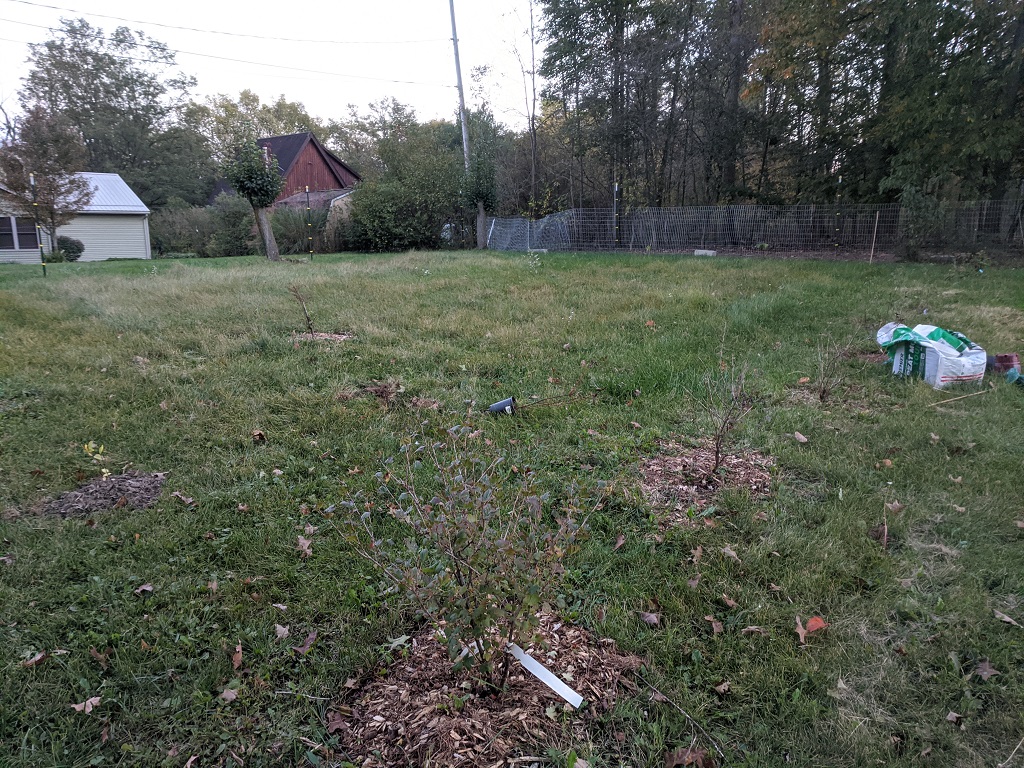
Before deciding to buy (or not buy) a tractor, we decided to take the mower and brush cutter down to the farm property and see how much work it is to clear. We got a large swath cleared and raked into piles … but, yeah, it’s a lot of work!

Greenhouse Reinforcement

The biggest problem I’ve seen with the cheap metal frame / plastic covering high tunnel greenhouses is that water will pool up on the top, and the weight of the water will collapse the whole thing.

I’ve seen a few different approaches to preventing the plastic from forming a dish and holding gallons of water. We opted for a simpler route that has, thus far, proven effective. We bought three EMT tubes — metal tubes — to create a firmer ridge-line in the greenhouse. I had 1/2″ CPVC tubing from the low tunnel greenhouse. From being held in an arch over several seasons, it was permanently bent. We cut those tubes in half, and placed them above the ridge line tubes. The ends were then pulled under the next set of horizontal bars of the greenhouse frame. This holds them in place firmly. They prevent water from pooling — the last section of the greenhouse still does pool, so I will eventually add something else in that section. It is, however, a small enough weight that the greenhouse frame can support it.

Greenhouse Repair

Last year, we built a 26′ greenhouse in the garden. It took a few days to get everything sorted, and we tried a few different methods to adhere the thing to the ground without any stunning successes. As we disconnected our most recent attempt, our phones blared a weather alert. A severe thunderstorm was headed our way! Looking to the west, it was really close. Rain started to fall and thunder cracked. We ran inside. For the next half hour, we all stood at the front windows watching the greenhouse not budge in this storm. Until …

My lovely greenhouse went somersaulting across the yard and became impaled on a tree. We extracted it and checked it over — some bent metal tubes, a broken tube, and several holes in the cover. It was so late in the year that we decided we didn’t actually need a greenhouse for the year & left it as a project for early spring this year. We did, however, purchase a few sections of 10′ EMT last year in preparation for the repair. Well, it’s early spring!

Scott pounded the end of an EMT and bent it in the vice, then drilled it to recreate the broken bottom pole. We fastened an EMT to a few bent tubes.

He then cut a section of copper tube and cross-drilled it so it could fit across the two sides of a broken tube.

A little more bending and straightening, and we were ready to put the cover on again. This time, there are dozens of concrete blocks holding it down. It’s been up for more than 24 hours … so we’re doing better than last year! Tomorrow, we’ll move the started plants into the greenhouse.

Exchange Disaster Recovery

I guess with everyone moving to magic cloudy pay-per-month Exchange, this isn’t such a concern anymore … but for those still running on-premise Exchange:

(1) Before you can restore your AD system state, you’ve got to build a server & bring up a temporary domain. There’s a “System Configuration” program that lets you select to restart in safe mode / directory services restore mode without having to time the F8 key or anything.

(2) The system state backup of a domain controller backs up a lot of stuff — including the registry which tells the server what software is installed and services. This means it is not possible to just run the Exchange setup.exe with the disaster recovery option. Fortunately, I was able to copy the Exchange folder from program files off of a backup. Unfortunately, the Exchange services wouldn’t start because DLLs couldn’t register. Did a diff between old server backup & new one — copied any missing stuff from c:\windows\system32 and c:\windows\syswow64 and, voila, Exchange is starting. Couldn’t mount the ebd file, though …

(3) Which brings me to eseutil an attempt to replay the transaction logs (eseutil /r) and then repair the database as much as possible (eseutil /p) got me an EDB file that the Exchange server could mount.