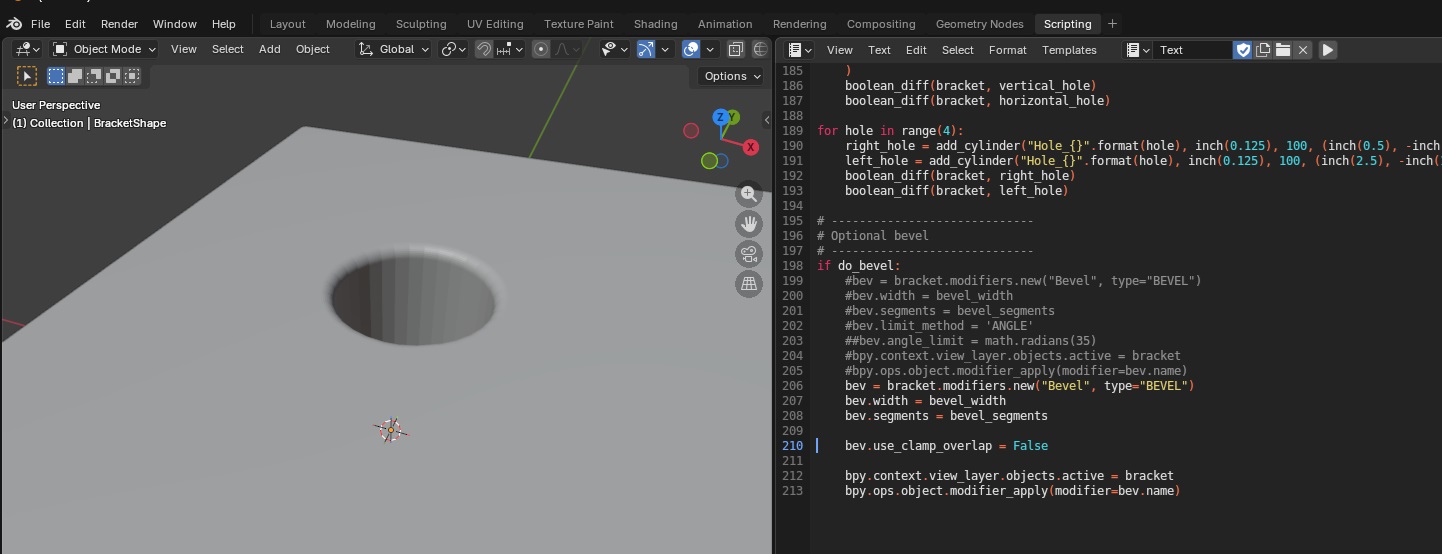
We were playing around with bevels this week – it’s pretty straight forward, the API lets you set the parameters you set through the GUI in a bevel modifier.
import bpy

# Clear all existing objects
for obj in list(bpy.data.objects):
    bpy.data.objects.remove(obj, do_unlink=True)

# Set Units
scene = bpy.context.scene
scene.unit_settings.system = 'METRIC'
scene.unit_settings.scale_length = 0.001  # 1 BU = 1 mm

# Create rectangular cube
bpy.ops.mesh.primitive_cube_add(location=(0, 0, 0))
block = bpy.context.active_object
block.name = "Block"

# cube default size is 2x2x2, so set absolute dimensions
block.dimensions = (2.0, 20.0, 0.25)
bpy.context.view_layer.objects.active = block
block.select_set(True)

# Apply scale so booleans/bevel behave predictably
bpy.ops.object.transform_apply(location=False, rotation=False, scale=True)

# Create cylinder cutter
hole_diameter = 1.0
hole_radius = hole_diameter / 2.0

# Make it longer than the block thickness so it fully cuts through
cutter_depth = 5.0

bpy.ops.mesh.primitive_cylinder_add(
    vertices=64,
    radius=hole_radius,
    depth=cutter_depth,
    location=(0.0, 0.0, 0.0),   # center of the block
    rotation=(0.0, 0.0, 0.0)
)
cutter = bpy.context.active_object
cutter.name = "HoleCutter"

bpy.ops.object.transform_apply(location=False, rotation=False, scale=True)

# Boolean: cut hole
bpy.context.view_layer.objects.active = block
bool_mod = block.modifiers.new(name="Hole", type='BOOLEAN')
bool_mod.operation = 'DIFFERENCE'
bool_mod.solver = 'EXACT'
bool_mod.object = cutter

# Apply boolean
bpy.ops.object.modifier_apply(modifier=bool_mod.name)

# Hide cutter in viewport + renders
cutter.hide_set(True)
cutter.hide_render = True

# Bevel the block
bevel_width = 0.08
bevel_segments = 5

bevel_mod = block.modifiers.new(name="Bevel", type='BEVEL')
bevel_mod.width = bevel_width
bevel_mod.segments = bevel_segments
bevel_mod.limit_method = 'ANGLE'
bevel_mod.angle_limit = 0.523599  # 30 degrees in radians

# Apply bevel
bpy.ops.object.modifier_apply(modifier=bevel_mod.name)