This is amazing — and every one I’ve looked at so far includes a download option … https://3d.si.edu/explore
Tag: 3d modeling
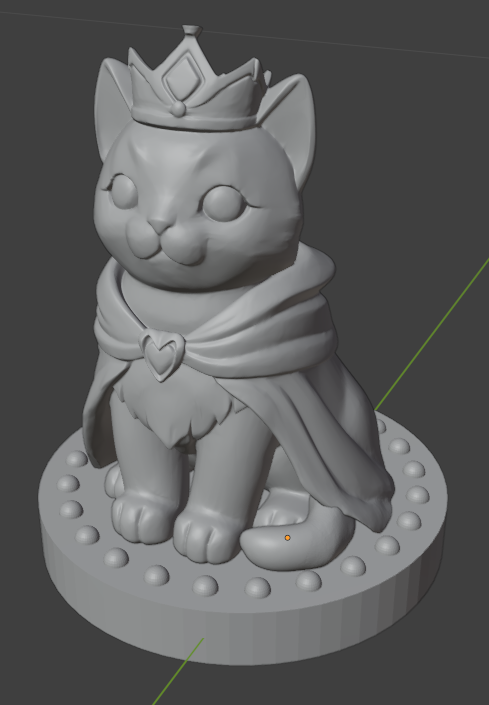
Chess Set – The Kitten King
I’ve got a king! I intended to start with the king, but then realized it made more sense to make the pawns — kittens — first and then increase the size and add decorations for the other pieces. Instead of first, the kitten king was the last one made. Blender has some cool “brushes” for creating folds and gathers in fabric.
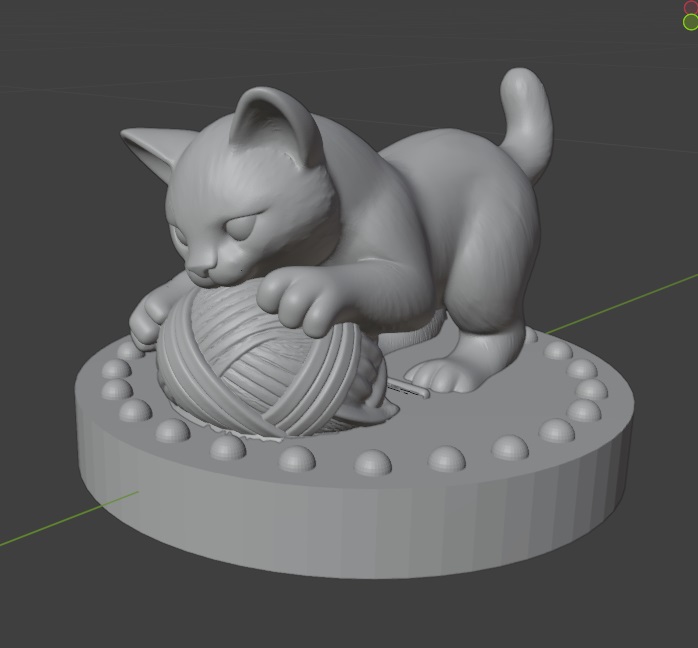
Cat Chess – Knight
Still working on the yarn ball, but I’ve got a pouncing knight.
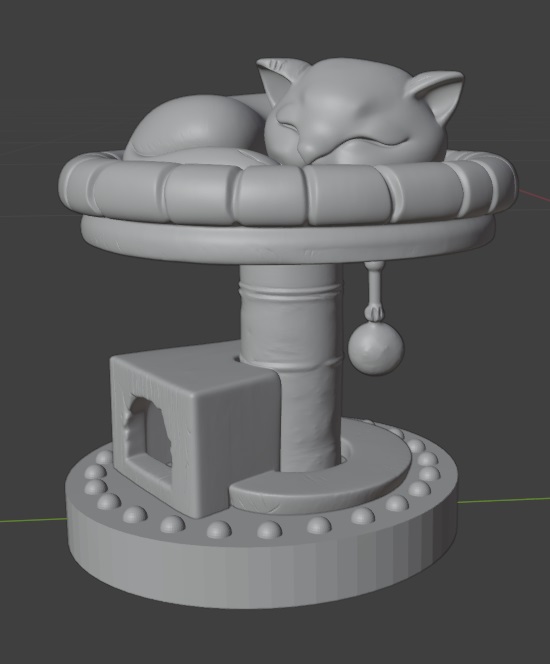
Cat Chess – Rook
I figured a cat tree was the kitten version of a castle keep. So I’ve got a kitten napping. I’m going to have to take the little ball off. That doesn’t seem like something that would 3d print very well.
Kitten Chess – Bishop
I modified the pawn to make a bishop
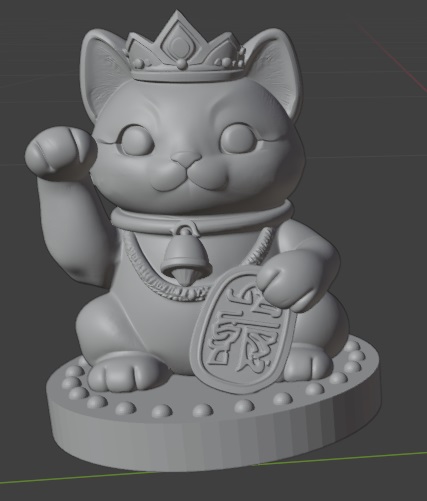
Cat Chess – Kitten Queen
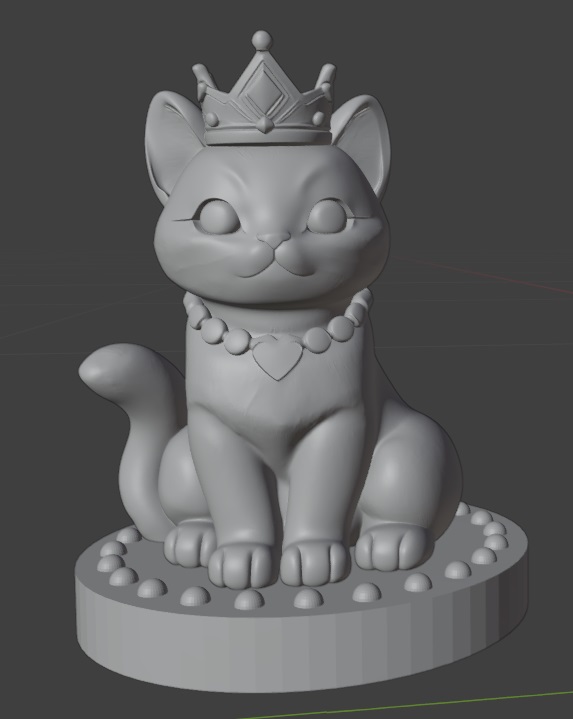
I copied the pawn and grew her a little. Added a crown and necklace … voila, a kitten queen! I’ve been using the smooth brush a lot to even out the surface. I’m curious how these will 3d print because the model is made up of a lot of little triangles.
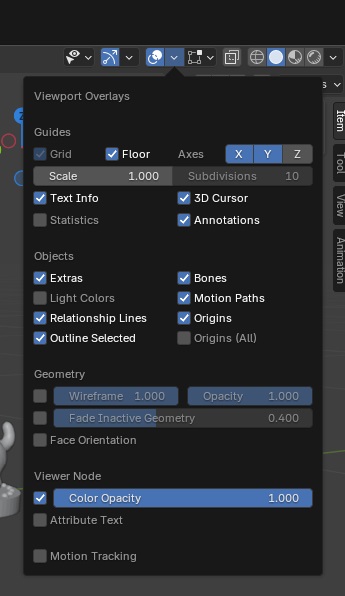
421,132 to be exact. As I’ve discovered, you can configure the viewport to add data in overlays. Statistics is a nice one!
Cat Chess – The Pawn
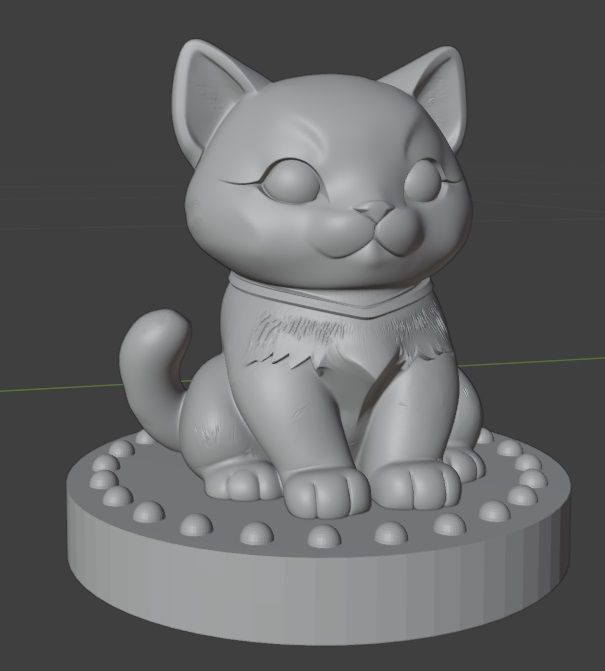
A pawn … this little guy took quite a long time to get cat shaped, but I think I’ve got it!
Chess Set – Sculpting Begins
OK, so I don’t know that anyone would see this and say “cat!” … but it’s a start!
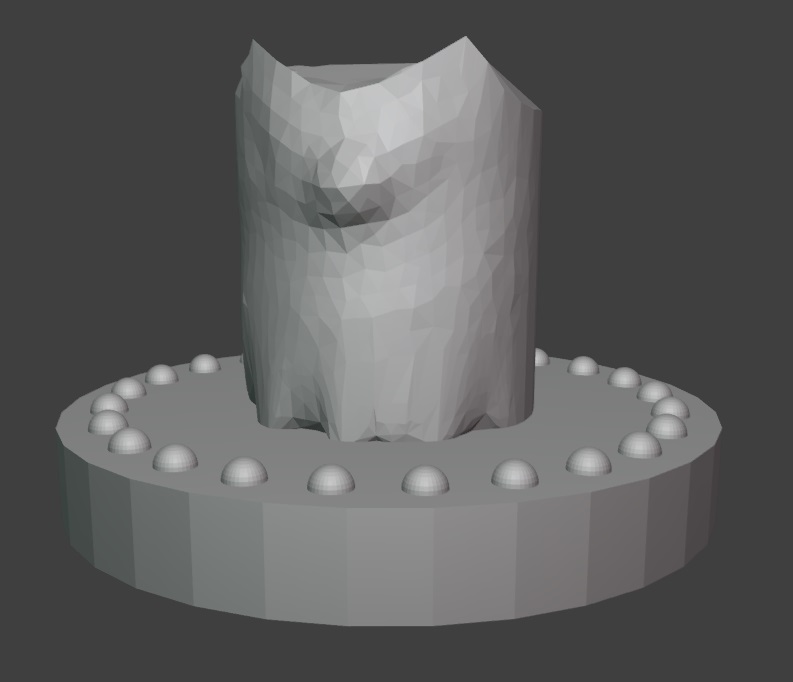
My idea is to have a king and queen, a knight pouncing on something, a bishop based on the beckoning cat, and a rook that is a cat sleeping in a little cat tree. Pawns will just be kittens. Should probably start there since they’re the least adorned.
Cat Chess – A Starting Place
I’ve got a start to my chess pieces — now I just need to figure out how to use all of these sculpting tools to nudge this cylinder into the shape of a kitten king!
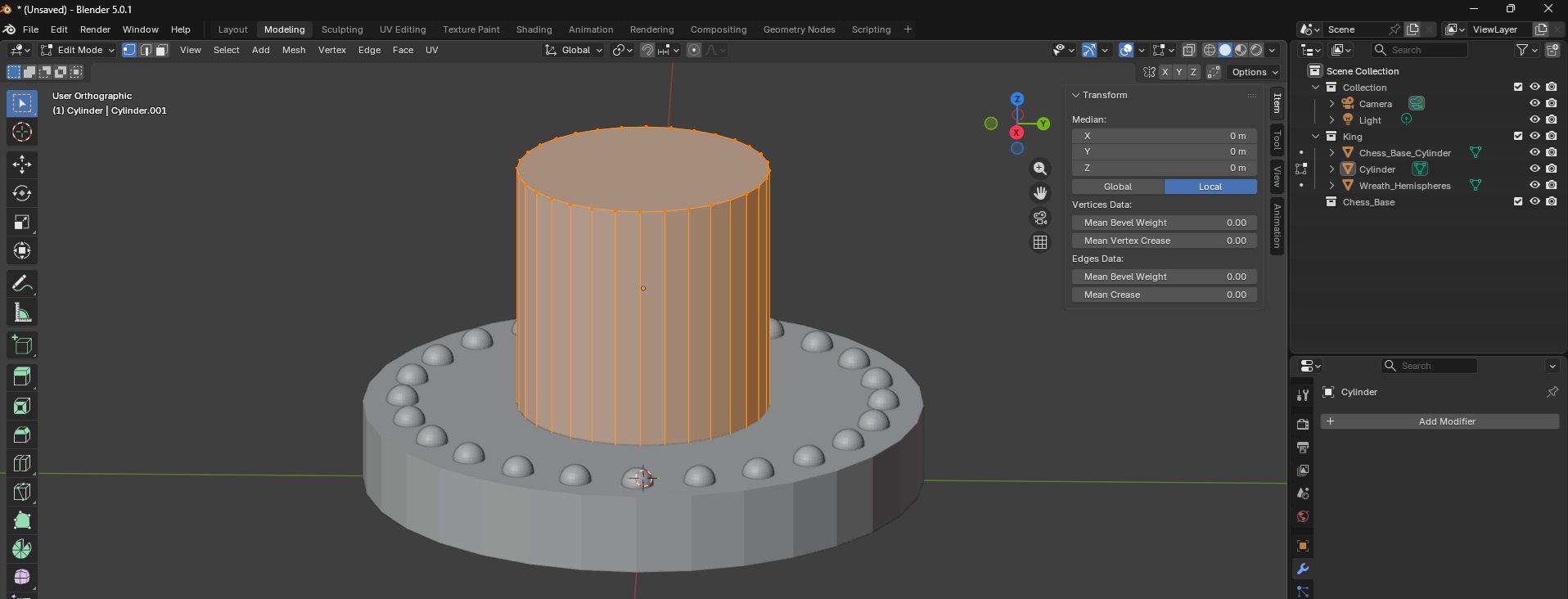
Blender – Python Script to Build Bases for Chess Pieces
Originally, I wanted to sculpt the entire thing in python, but it appears that the programmatic interface only works in defined shapes. I guess I could construct millions of tiny triangles? polygons? to create cats … but I suspect that using the actual sculpting tools is going to be the easier approach.
However, the base of each piece seems perfect for a script. This will ensure consistency in my chess pieces (and let me play around with the Python approach since I think it is really cool that Blender takes Python code!). I am making decorated cylinders onto which my figures will sit.
import bpy
import bmesh
import math

INCH = 0.0254  # meters per inch

params = {
    # Cylinder base size
    "base_diameter_in": 1.75,
    "base_height_in": 0.25,

    # Wreath hemispheres
    "hemi_count": 24,
    "hemi_radius_in": 0.05,
    "hemi_offset_in": 0.125,  # inward from base outer edge

    # Collection
    "collection_name": "Chess_Base",
}

def inch(v):
    return v * INCH

def ensure_collection(name):
    if name in bpy.data.collections:
        return bpy.data.collections[name]
    col = bpy.data.collections.new(name)
    bpy.context.scene.collection.children.link(col)
    return col

COL = ensure_collection(params["collection_name"])

def build_base():
    base_r = inch(params["base_diameter_in"]) / 2.0
    base_h = inch(params["base_height_in"])
    # Place the base so its top is at Z = base_h (sitting on Z=0 plane)
    bpy.ops.mesh.primitive_cylinder_add(radius=base_r, depth=base_h, location=(0, 0, base_h / 2.0))
    base = bpy.context.active_object
    base.name = "Chess_Base_Cylinder"
    # Link explicitly to target collection (in case active collection differs)
    if base.name not in COL.objects:
        COL.objects.link(base)
    return base

def make_hemisphere_mesh(radius_m, segments=32, rings=16):
    bpy.ops.mesh.primitive_uv_sphere_add(radius=radius_m, segments=segments, ring_count=rings, location=(0, 0, 0))
    sph = bpy.context.active_object
    bm = bmesh.new()
    bm.from_mesh(sph.data)
    # Keep the top hemisphere: delete vertices with z < 0 (tolerance to avoid floating error)
    to_delete = [v for v in bm.verts if v.co.z < -1e-7]
    if to_delete:
        bmesh.ops.delete(bm, geom=to_delete, context='VERTS')
    bm.to_mesh(sph.data)
    bm.free()
    hemi_mesh = sph.data
    hemi_mesh.name = "Hemisphere_Mesh"
    # Remove the temporary object but keep the mesh datablock
    bpy.data.objects.remove(sph, do_unlink=True)
    return hemi_mesh

def build_wreath_hemispheres(hemi_mesh):
    base_r = inch(params["base_diameter_in"]) / 2.0
    base_h = inch(params["base_height_in"])
    ring_r = base_r - inch(params["hemi_offset_in"])
    count = params["hemi_count"]

    hemis = []
    for i in range(count):
        theta = (i / count) * 2.0 * math.pi
        cx = ring_r * math.cos(theta)
        cy = ring_r * math.sin(theta)
        obj = bpy.data.objects.new(f"Hemi_{i:02d}", hemi_mesh)
        # Flat face of hemisphere (its equator at local Z=0) sits on base top (Z=base_h)
        obj.location = (cx, cy, base_h)
        COL.objects.link(obj)
        hemis.append(obj)

    # Join hemispheres into a single object
    bpy.ops.object.select_all(action='DESELECT')
    for o in hemis:
        o.select_set(True)
    bpy.context.view_layer.objects.active = hemis[0]
    bpy.ops.object.join()
    wreath = bpy.context.active_object
    wreath.name = "Wreath_Hemispheres"
    return wreath

def build_all():
    base = build_base()
    hemi_mesh = make_hemisphere_mesh(inch(params["hemi_radius_in"]))
    wreath = build_wreath_hemispheres(hemi_mesh)
    print("Built:", base.name, wreath.name)

build_all()