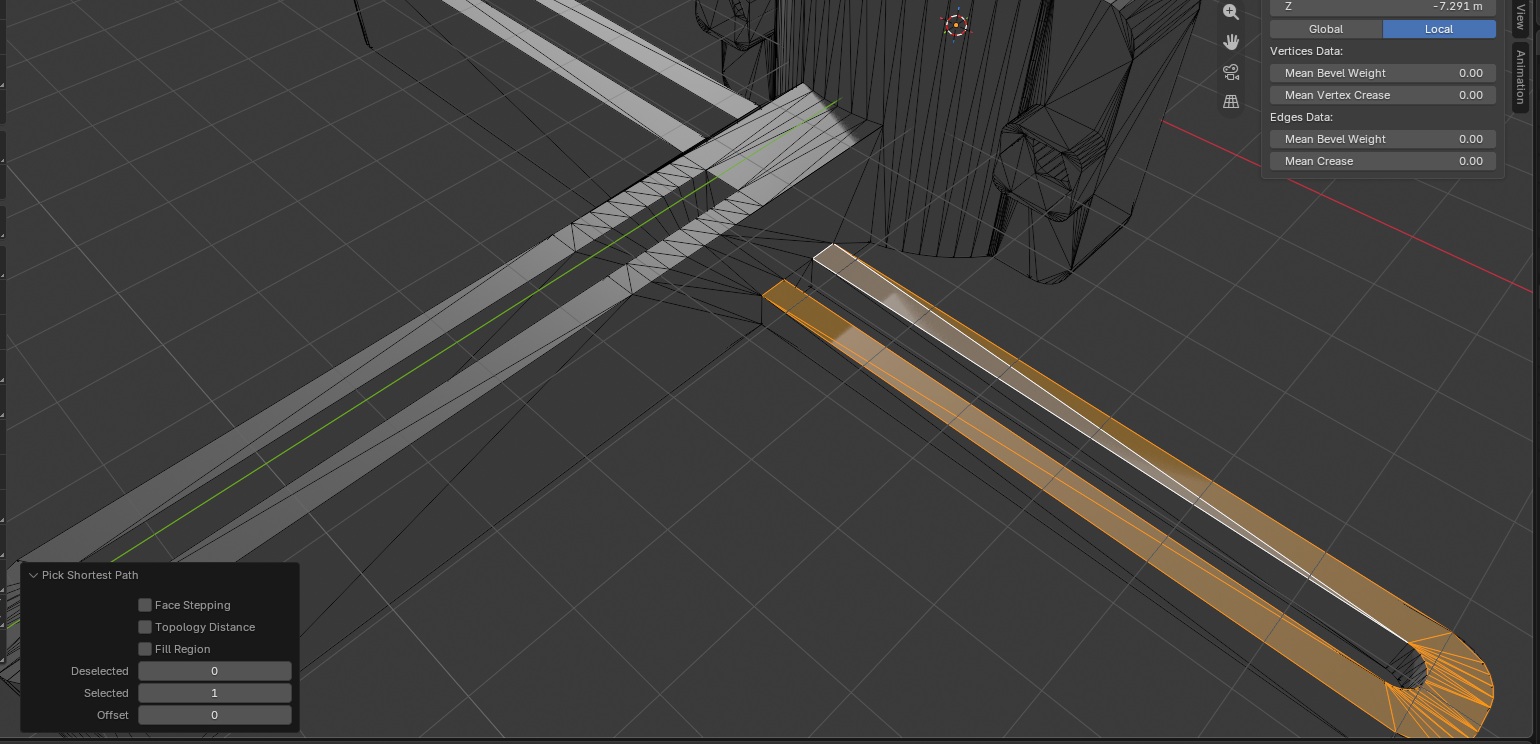
We are modifying a mount that lets you attach your cell phone to a microscope – one of the problems with the original design is that it’s not particularly sturdy. We lengthened the arms to accommodate larger cell phones, but that made the arms even flimsier. Anya showed us how to use s – z – 0 which flattens the selection to the average z height of the selected faces. Starting with a curved surface, I selected all of the faces. Then typed the letter s, the letter z, and 0
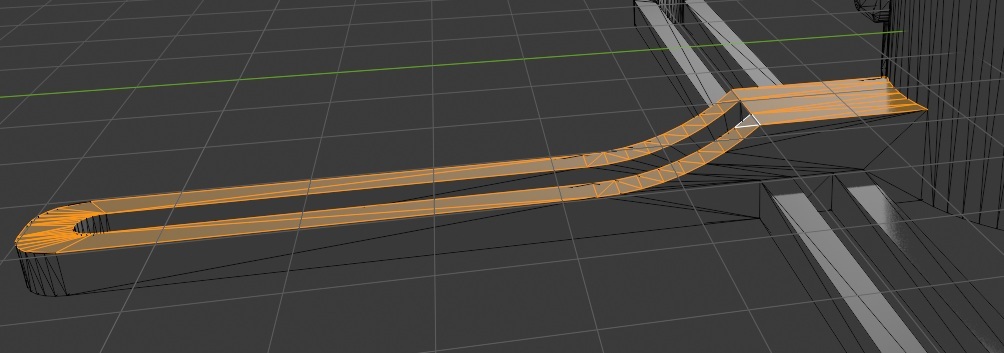
This flattens the object – the difference between the z location of all faces is zero. You can keep the curve but make it smaller by using a fractional number instead of zero. You can exaggerate the difference by using a number greater than 1. A negative number inverts the curve – the high part becomes low, and the low part becomes high.
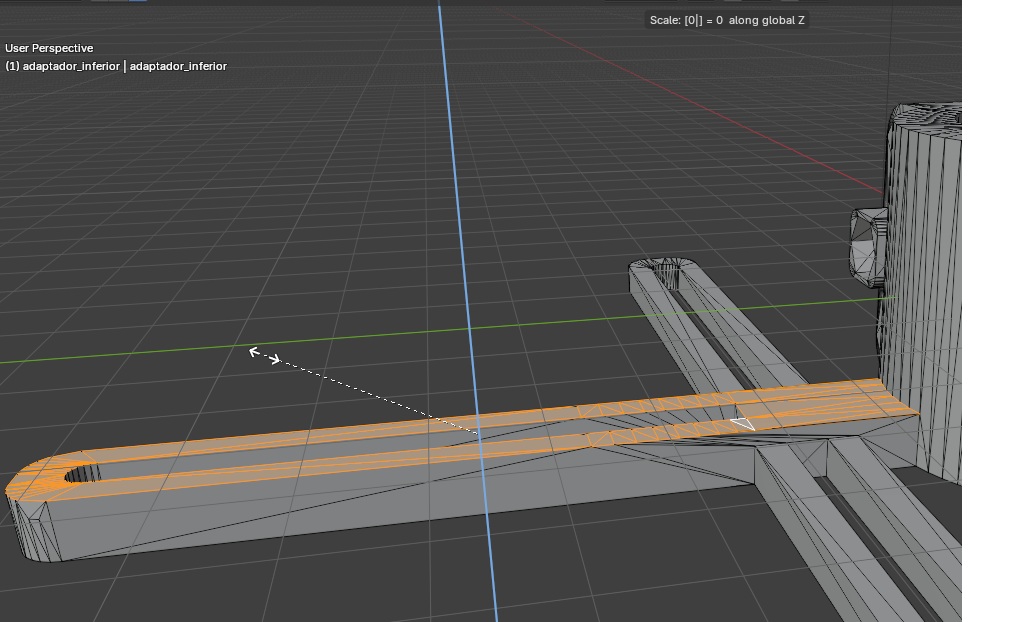
Once the faces were on a single plane, we used G Z {number} to move the selected faces. The number is an offset from the plane where the faces are currently – so if you are at 4 and want the object to be 5mm thick, you use G Z 1. Using G Z 5 (which makes sense to move them to z of 5) actually makes the object 9mm thick!
The perpendicular faces are magically extruded so the faces you moved are not floating out there in space. The two arms that have already been increased, you can see that the perpendicular faces have been extended to meet the new face height. Obviously, if you want all three arms to be the same height you should select all of the top faces and adjust them simultaneously.
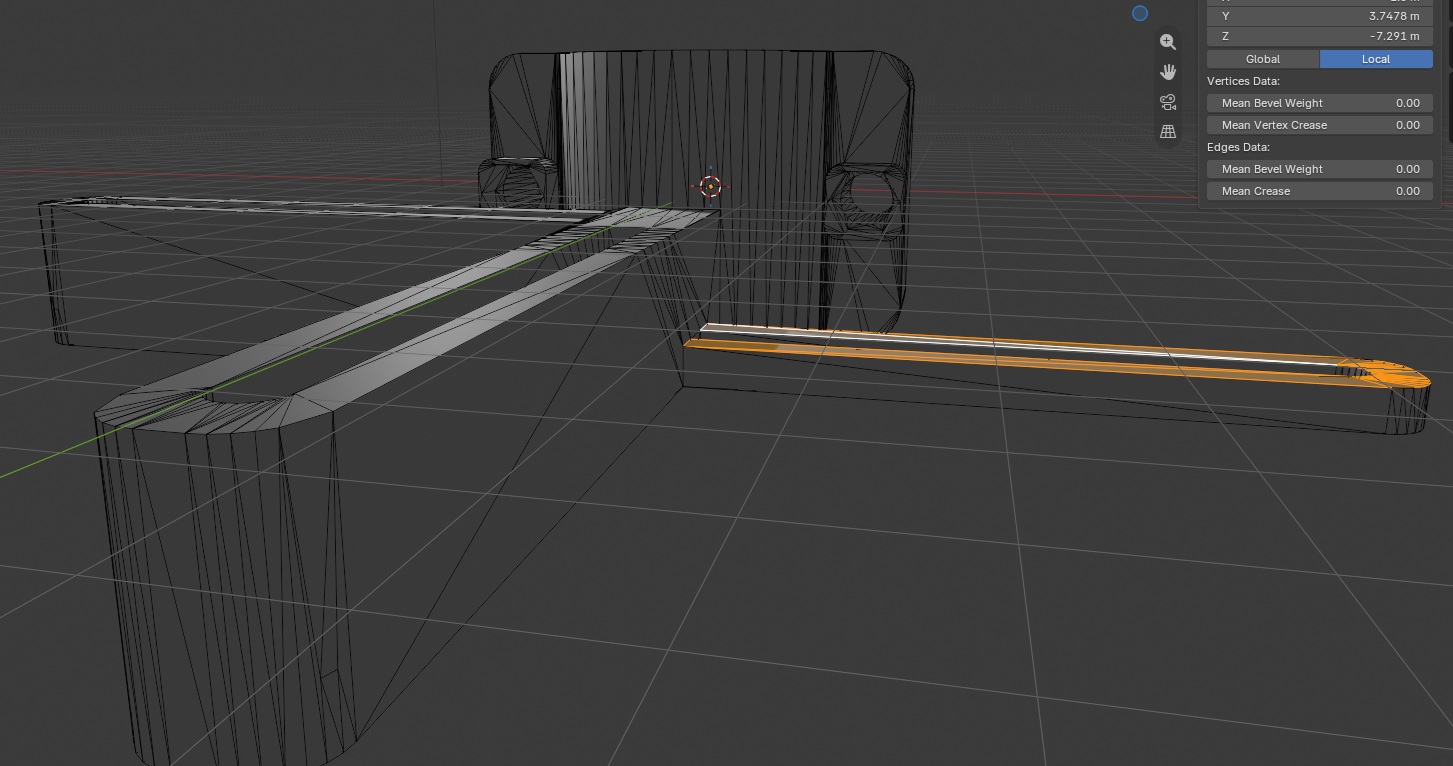
One other thing we learned in this adventure is how to select a bunch of faces between the faces you’ve already got selected and where you want to be. Shift will let you individually click faces, but I don’t want to click all of those little triangles along the curved side.
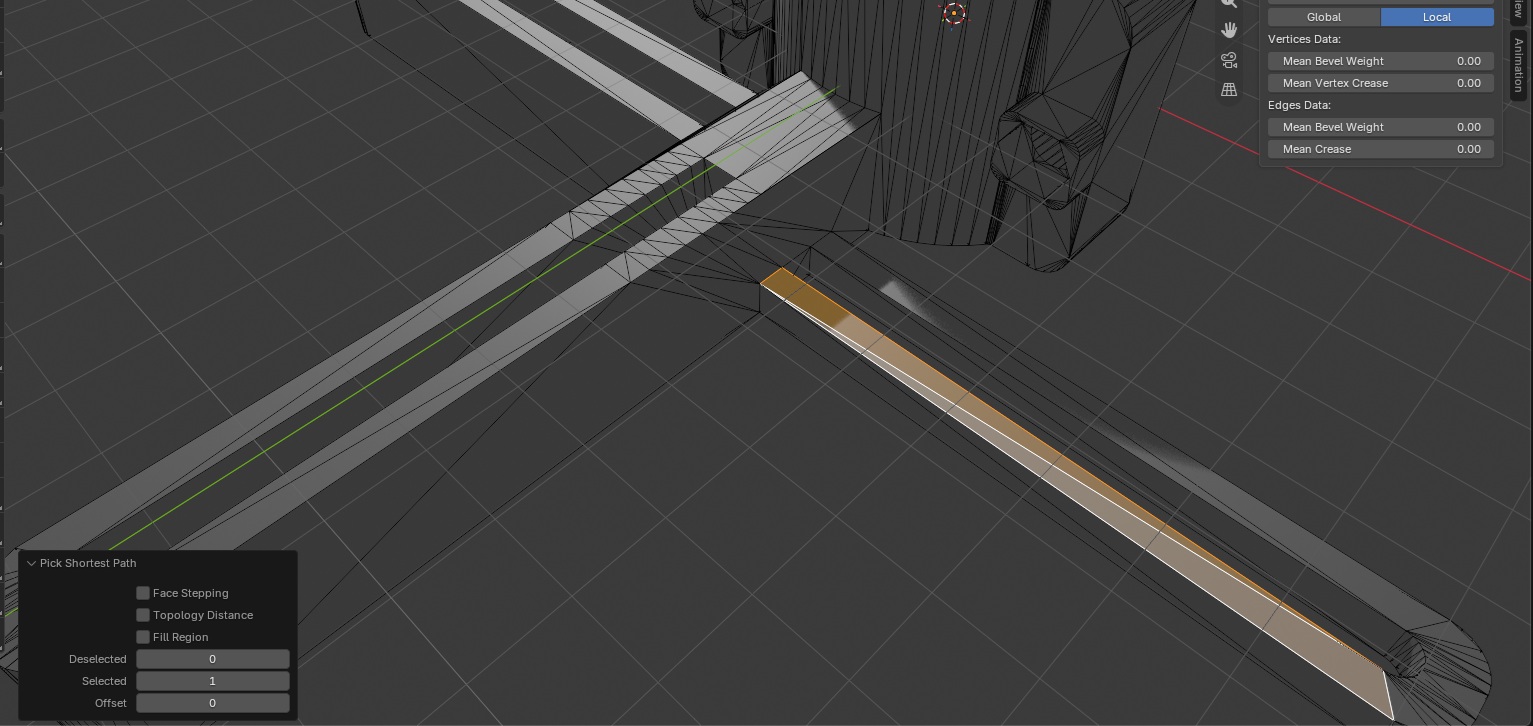
Selecting a few faces and then holding ctrl will select everything along the shortest path from where you already selected to where you click — here, selecting all the faces on the top of this arm. You can also use alt for a loop select — Anya finds that very functional, but it didn’t work for me!