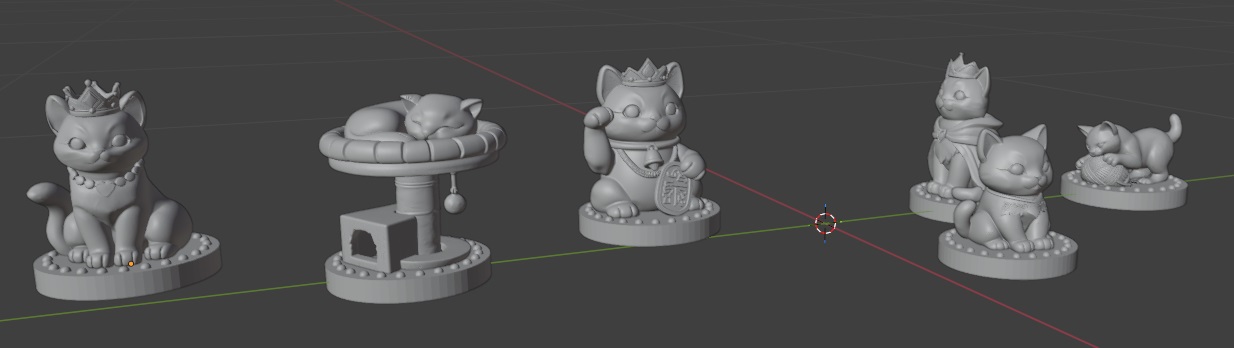
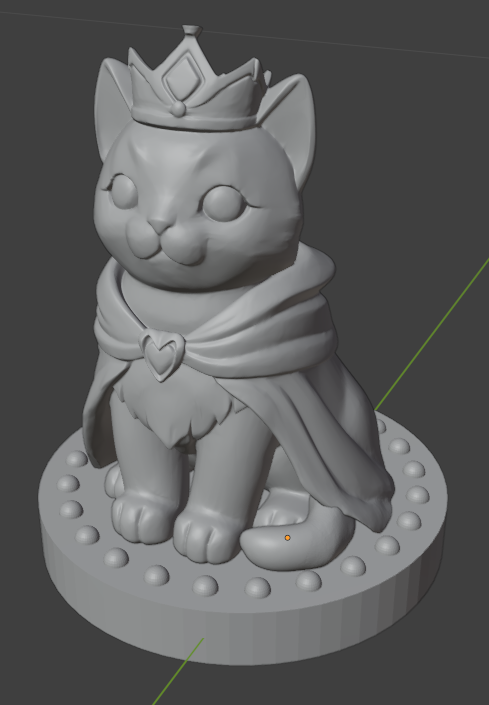
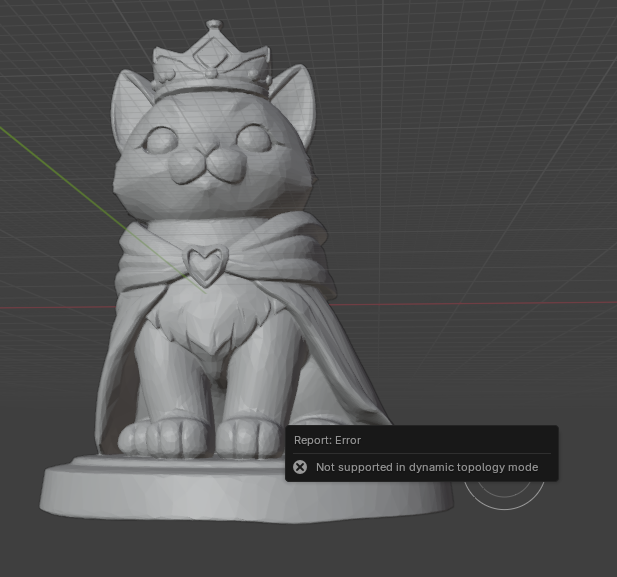
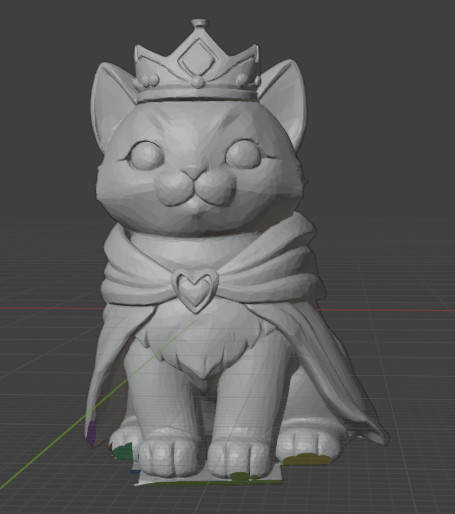
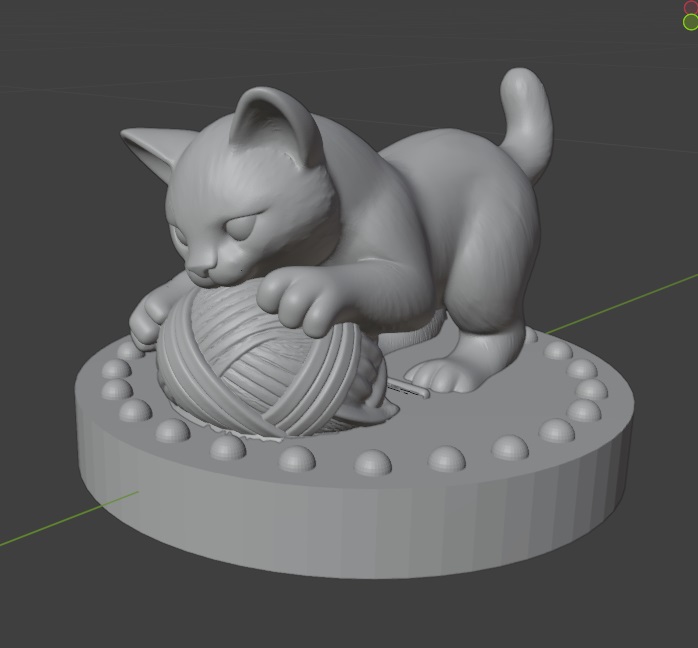
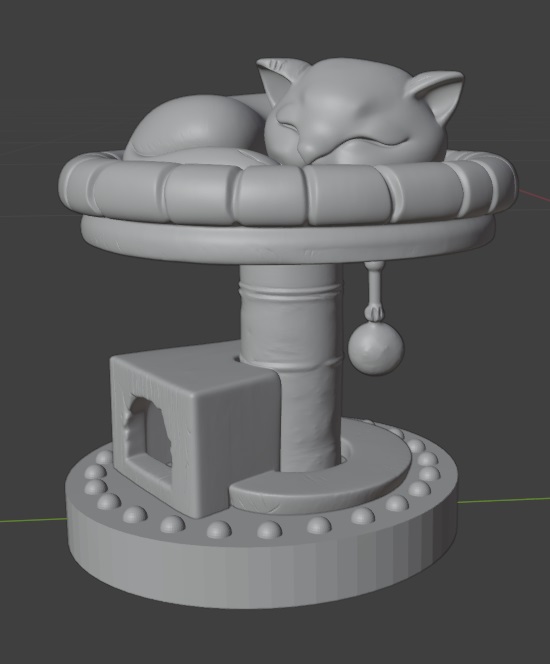
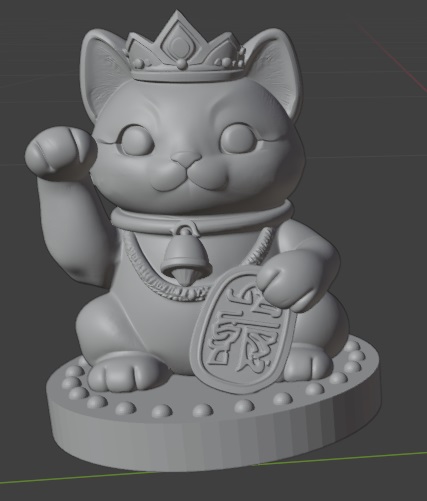
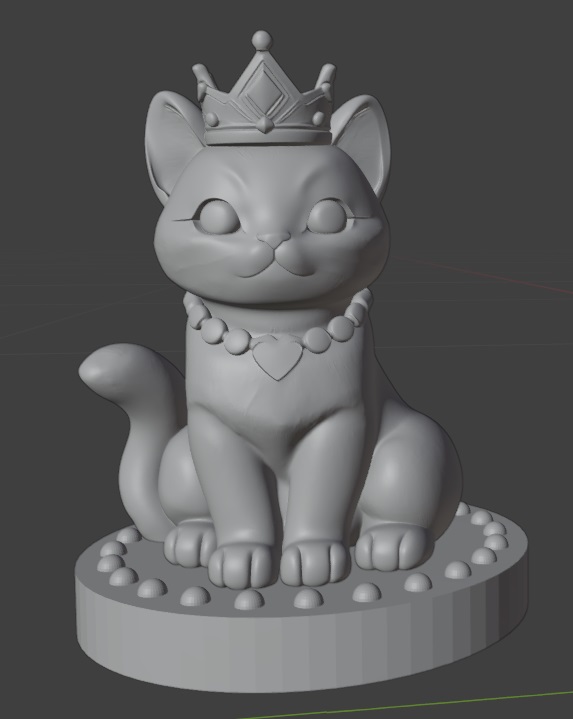
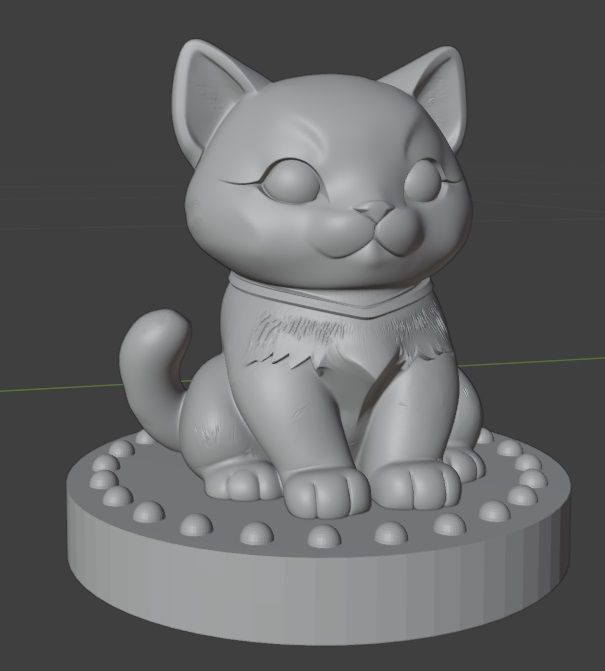
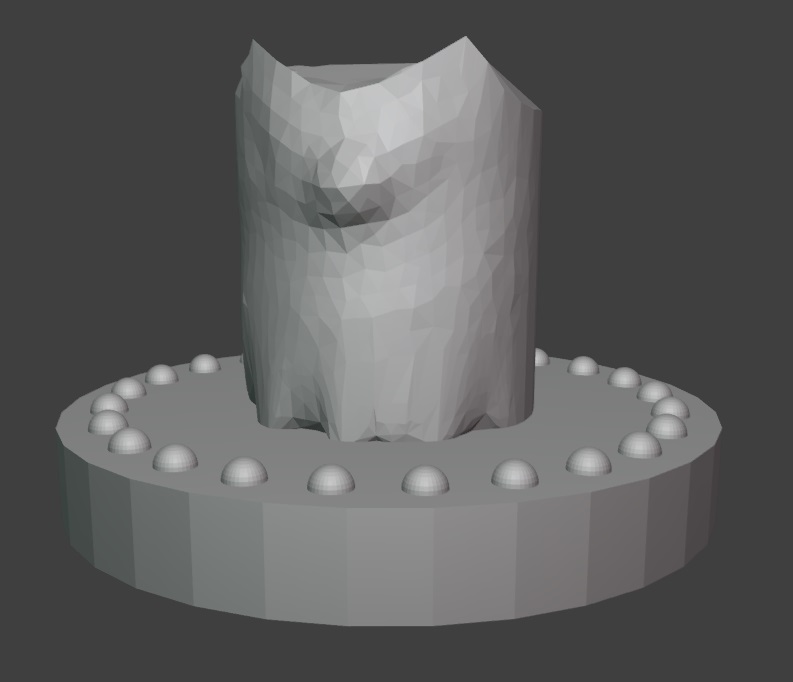
I’ve got a start to my chess pieces — now I just need to figure out how to use all of these sculpting tools to nudge this cylinder into the shape of a kitten king!
Category: Blender
Blender – Python Script to Build Bases for Chess Pieces
Originally, I wanted to sculpt the entire thing in python, but it appears that the programmatic interface only works in defined shapes. I guess I could construct millions of tiny triangles? polygons? to create cats … but I suspect that using the actual sculpting tools is going to be the easier approach.
However, the base of each piece seems perfect for a script. This will ensure consistency in my chess pieces (and let me play around with the Python approach since I think it is really cool that Blender takes Python code!). I am making decorated cylinders onto which my figures will sit.
import bpy
import bmesh
import math
INCH = 0.0254 # meters per inch
params = {
# Cylinder base size
"base_diameter_in": 1.75,
"base_height_in": 0.25,
# Wreath hemispheres
"hemi_count": 24,
"hemi_radius_in": 0.05,
"hemi_offset_in": 0.125, # inward from base outer edge
# Collection
"collection_name": "Chess_Base",
}
def inch(v):
return v * INCH
def ensure_collection(name):
if name in bpy.data.collections:
return bpy.data.collections[name]
col = bpy.data.collections.new(name)
bpy.context.scene.collection.children.link(col)
return col
COL = ensure_collection(params["collection_name"])
def build_base():
base_r = inch(params["base_diameter_in"]) / 2.0
base_h = inch(params["base_height_in"])
# Place the base so its top is at Z = base_h (sitting on Z=0 plane)
bpy.ops.mesh.primitive_cylinder_add(radius=base_r, depth=base_h, location=(0, 0, base_h / 2.0))
base = bpy.context.active_object
base.name = "Chess_Base_Cylinder"
# Link explicitly to target collection (in case active collection differs)
if base.name not in COL.objects:
COL.objects.link(base)
return base
def make_hemisphere_mesh(radius_m, segments=32, rings=16):
bpy.ops.mesh.primitive_uv_sphere_add(radius=radius_m, segments=segments, ring_count=rings, location=(0, 0, 0))
sph = bpy.context.active_object
bm = bmesh.new()
bm.from_mesh(sph.data)
# Keep the top hemisphere: delete vertices with z < 0 (tolerance to avoid floating error)
to_delete = [v for v in bm.verts if v.co.z < -1e-7]
if to_delete:
bmesh.ops.delete(bm, geom=to_delete, context='VERTS')
bm.to_mesh(sph.data)
bm.free()
hemi_mesh = sph.data
hemi_mesh.name = "Hemisphere_Mesh"
# Remove the temporary object but keep the mesh datablock
bpy.data.objects.remove(sph, do_unlink=True)
return hemi_mesh
def build_wreath_hemispheres(hemi_mesh):
base_r = inch(params["base_diameter_in"]) / 2.0
base_h = inch(params["base_height_in"])
ring_r = base_r - inch(params["hemi_offset_in"])
count = params["hemi_count"]
hemis = []
for i in range(count):
theta = (i / count) * 2.0 * math.pi
cx = ring_r * math.cos(theta)
cy = ring_r * math.sin(theta)
obj = bpy.data.objects.new(f"Hemi_{i:02d}", hemi_mesh)
# Flat face of hemisphere (its equator at local Z=0) sits on base top (Z=base_h)
obj.location = (cx, cy, base_h)
COL.objects.link(obj)
hemis.append(obj)
# Join hemispheres into a single object
bpy.ops.object.select_all(action='DESELECT')
for o in hemis:
o.select_set(True)
bpy.context.view_layer.objects.active = hemis[0]
bpy.ops.object.join()
wreath = bpy.context.active_object
wreath.name = "Wreath_Hemispheres"
return wreath
def build_all():
base = build_base()
hemi_mesh = make_hemisphere_mesh(inch(params["hemi_radius_in"]))
wreath = build_wreath_hemispheres(hemi_mesh)
print("Built:", base.name, wreath.name)
build_all()
Family Blender Challenge – Chess Set
Scott and I were learning enough Blender to modify a mount for the Ranger, and Anya had randomly borrowed a “Blender for Dummies” book from the library. As we’ve been learning more about Blender, I came across a video series showing how to create chess pieces as a way of learning the program. Which has sparked the family blender challenge — everyone is creating their own chess set. Anya spent some of her holiday break translating one of her wood carvings into a model to use as the pawns … now Scott and I are behind! I think I’ll make a cat themed set … I just need to learn how to sculpt in Blender since the python API interface only seems to create basic shapes.
Blender – Applying The Scale
We were playing with Blender this evening to modify a 3d model to mount the mirror on our Ranger — it reminds me a lot of learning vim where there’s just a lot of hidden “type this character and it does magic stuff“. Which, ironically, I love vim because of this … however I’ve also been using vi and vim since 1994. So I know the random character to type. Blender … not so much yet.
Oddity of the day — after scaling an object, you need take an additional step otherwise it’s not really scaled and measurements show up with unexpected values. To reset the scale:
Hit Ctrl + A
Select Scale in Object Mode to apply the current dimensions as the new scale of 1
They call this applying the scale. Which … I expected it did when I entered the scale factor and stuff changed size on the screen. But now I know!