We got a second t-shirt finished this evening – again didn’t have any problems, -1% size to fit in the hoop, four thread colors.
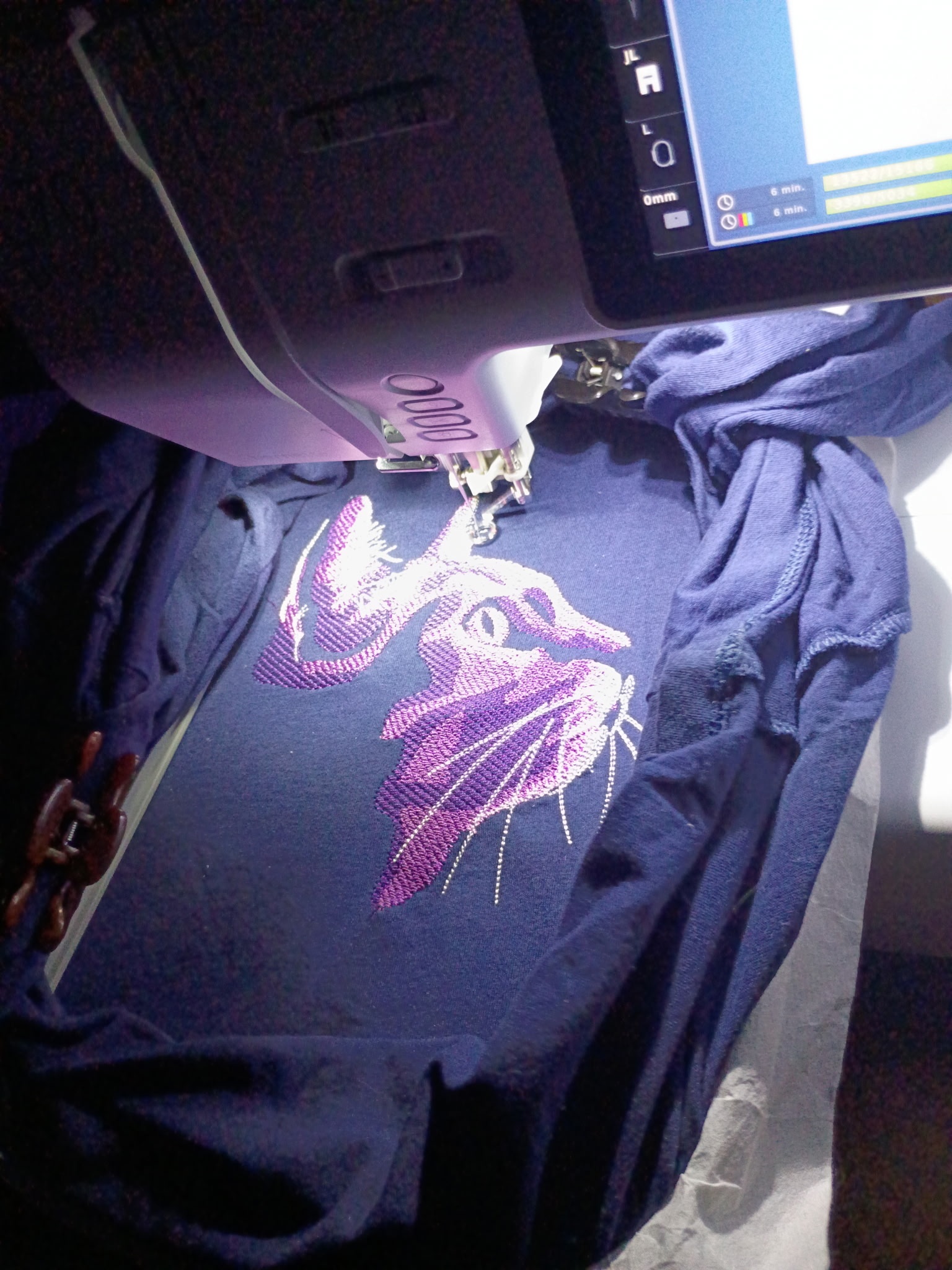
We got a second t-shirt finished this evening – again didn’t have any problems, -1% size to fit in the hoop, four thread colors.
The first t-shirt on my new machine is done! Lowering the thread tension was the answer. Other lessons:
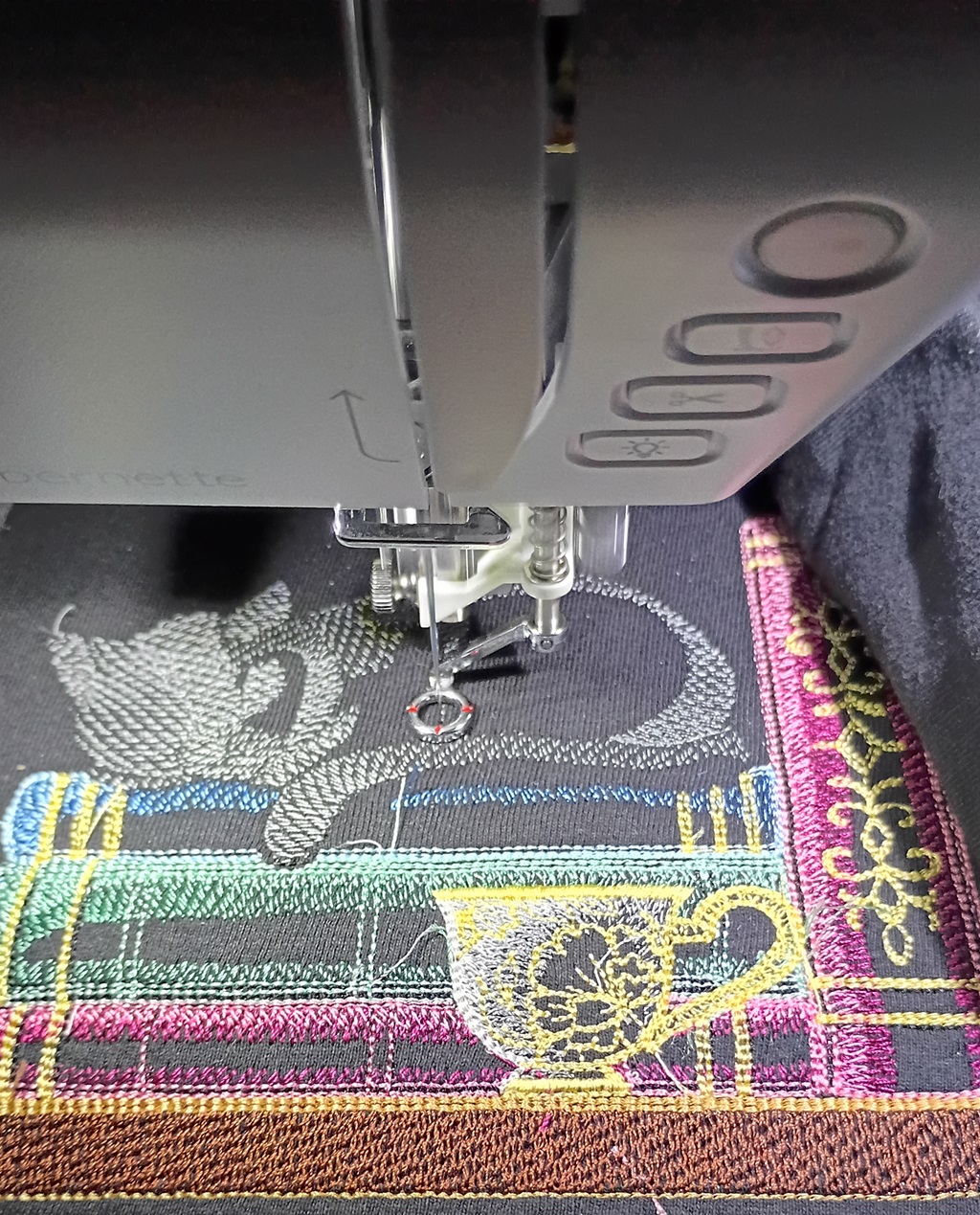
I got an embroidery machine – found an amazing deal because it was a “holiday” bundle with CDs of Christmas designs. It’s basically the November 1st Halloween candy of embroidery machines. As most machines do, it came with a sample from quality control testing the machine. It works. Except I could not get the thing to work! The bobbin thread was used *all* of the top pattern. The top thread was barely used. Everything I found online said you threaded it wrong. Don’t muck with tension settings, you absolutely threaded it wrong.
I couldn’t tell 100% that I didn’t thread it wrong. At the pretension section, there’s a tab that I had the thread “pinched” into — maybe that was wrong (although not pinching the thread in there and having it on the left hand side didn’t work any better). I spent hours yesterday re-threading the machine. I re-threaded it again and again today. I finally found a video on YouTube of someone who provided detailed instructions on what threaded right means. Turns out I was threading it right.
So, even though all of the advice online is to not touch the tension and just thread it right, I decided to adjust the tension. Can always move it back. It’s a digital control. I can return it to ‘4’ readily enough. Voila – my machine actually embroiders.
The library system in our neighboring county has five or six locations with 10-needle embroidery machines. They’re free to use, but you pay $0.10 for every 1,000 stitches. And you cannot just bring your own thread (they will, however, order colors if you request them … not thirty shades of orange, but they’re happy to stock colors that aren’t really close to something they already own). Lesson of the day: even if it’s not “a computer”, it’s a computer. Reboot it.
I took a day off work, and we planned to spend the day at the library embroidering an entire stack of shirts. Five hours later, one was not even complete. There were two staff members going through the really big manual. They tried everything. The threads breaking issue turned out to be a badly would bobbin, but we still had trouble with the machine locking in the thread when it would move to a new run. Try enough times, you could get it to start. But, when it locked off the run, cut the thread, and moved elsewhere to start another run? The thread wouldn’t get locked in, and it would come out of the needle. We tried “fast forwarding” the job to the point of using a different needle. Same issue. We tried a simpler design (we started big, which was probably a bad idea). Same issue (although we managed to re-thread the upper needle frequently enough that the job completed). Kind of a last ditch effort, we rebooted the thing. And it worked perfectly. I’m guessing there’s some re-calibration steps that run on start-up because I don’t see this as a purely software issue where clearing the memory and starting over would have done something. But, sigh! Reboot it!
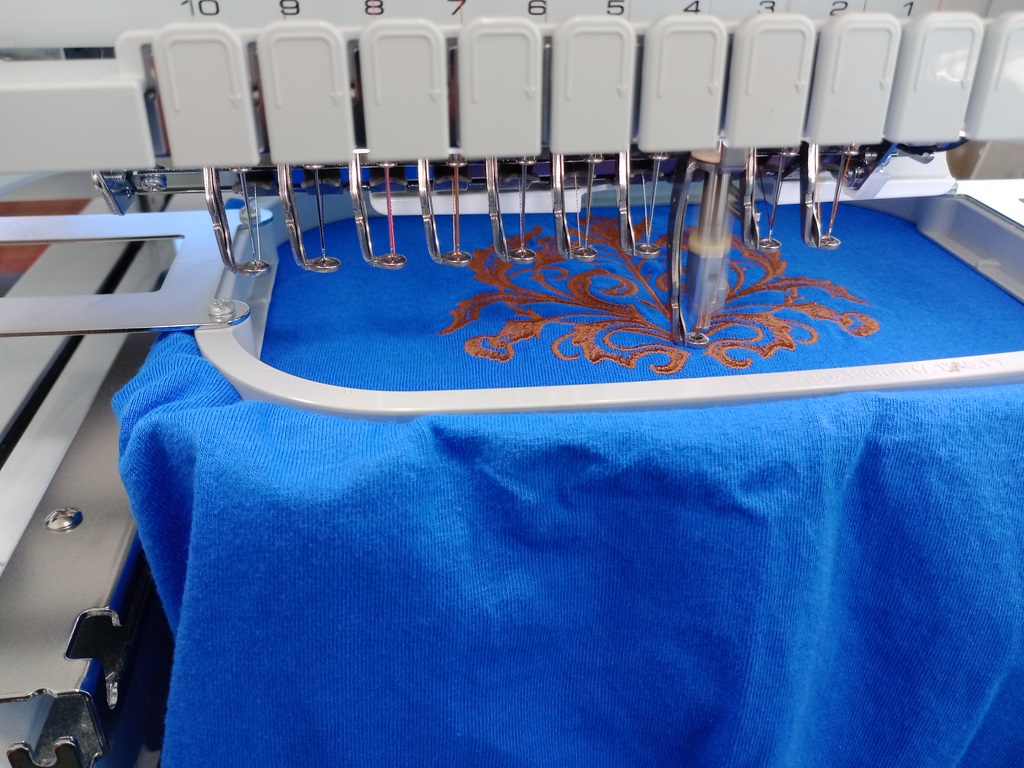
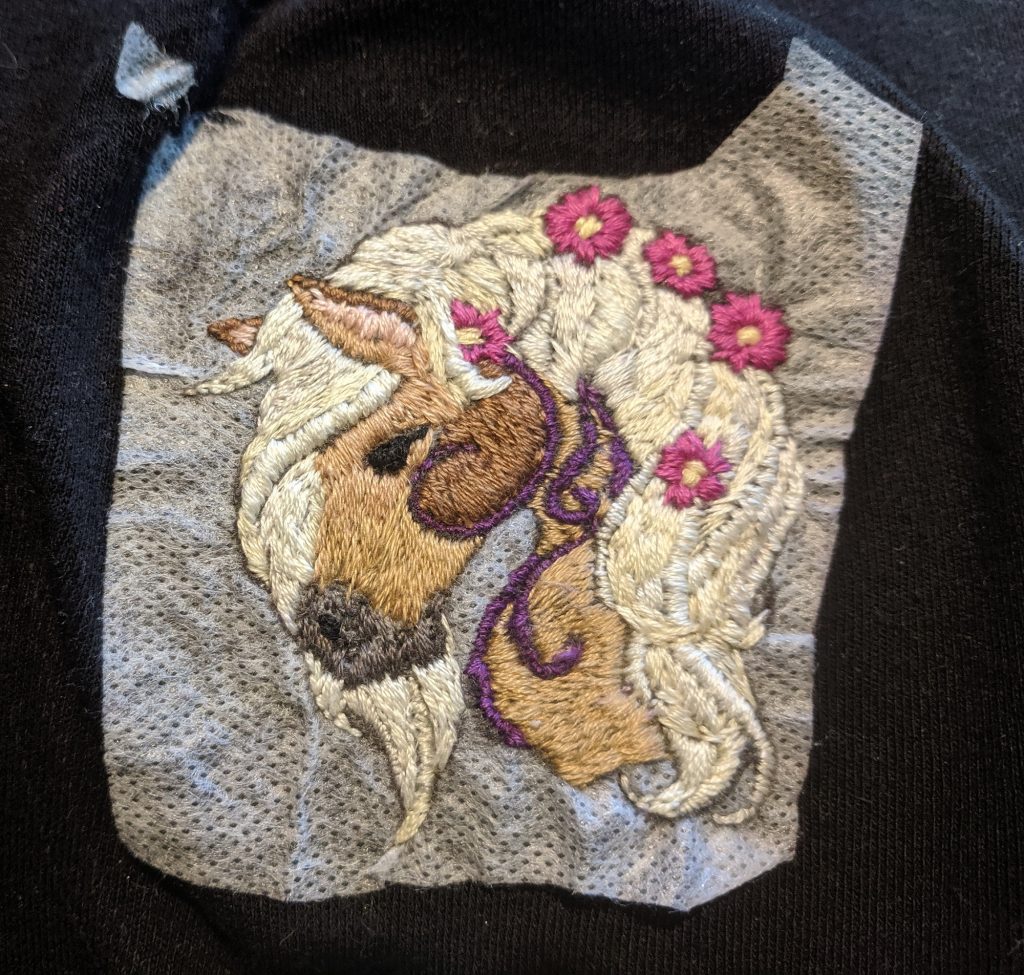
I finished another t-shirt for Anya. She’s been enamored with horses lately, so my timing is perfect.
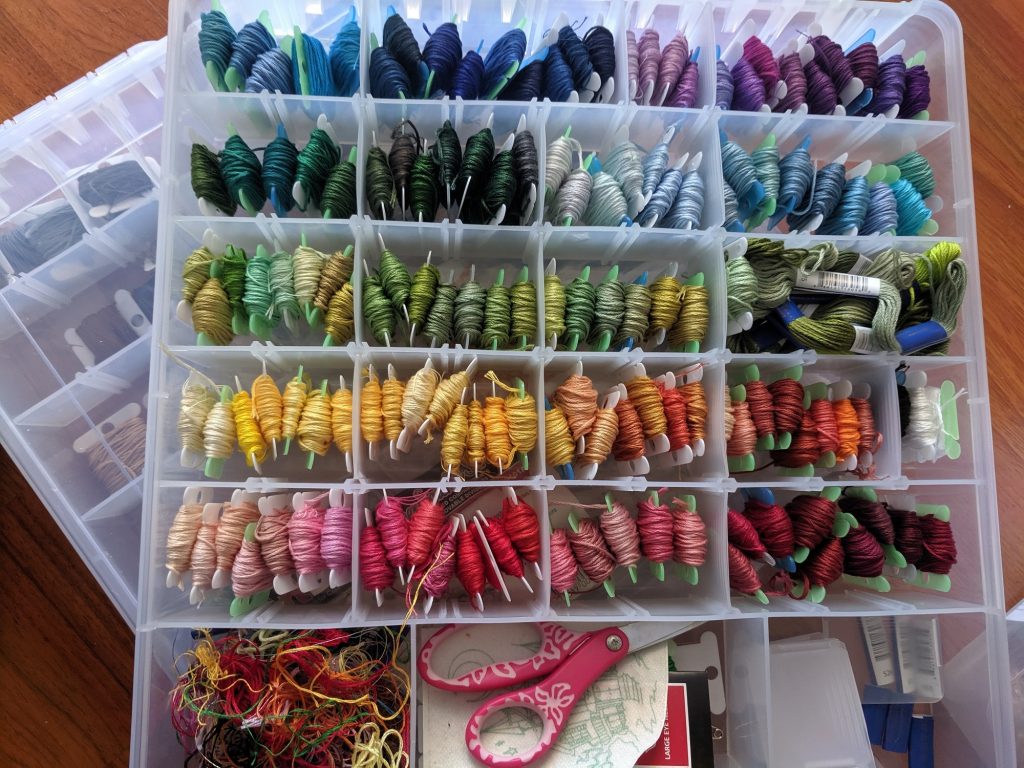
Two years ago, I picked up a bunch of ArtBin 9101AB boxes for 9$ each in a pre-Christmas sale. They stack nicely, and I use them to store zippers, fold over elastic, sewing feet, beads … all sorts of craft supplies. I’m trying to use them to store my embroidery thread. I have a lot — a whole rainbow of colors, plus another box with grays, browns, and ‘special’ thread (metallic, glow in the dark). But the little bobbin cards aren’t quite big enough. It’s still an improvement over random skeins of thread, and unused portions can be wrapped around the bobbin card to ensure you know exactly which light blue that bit is. Hopefully I’ll come up with something that keeps these things upright … other than stuffing the box so there’s nowhere for them to move 😀
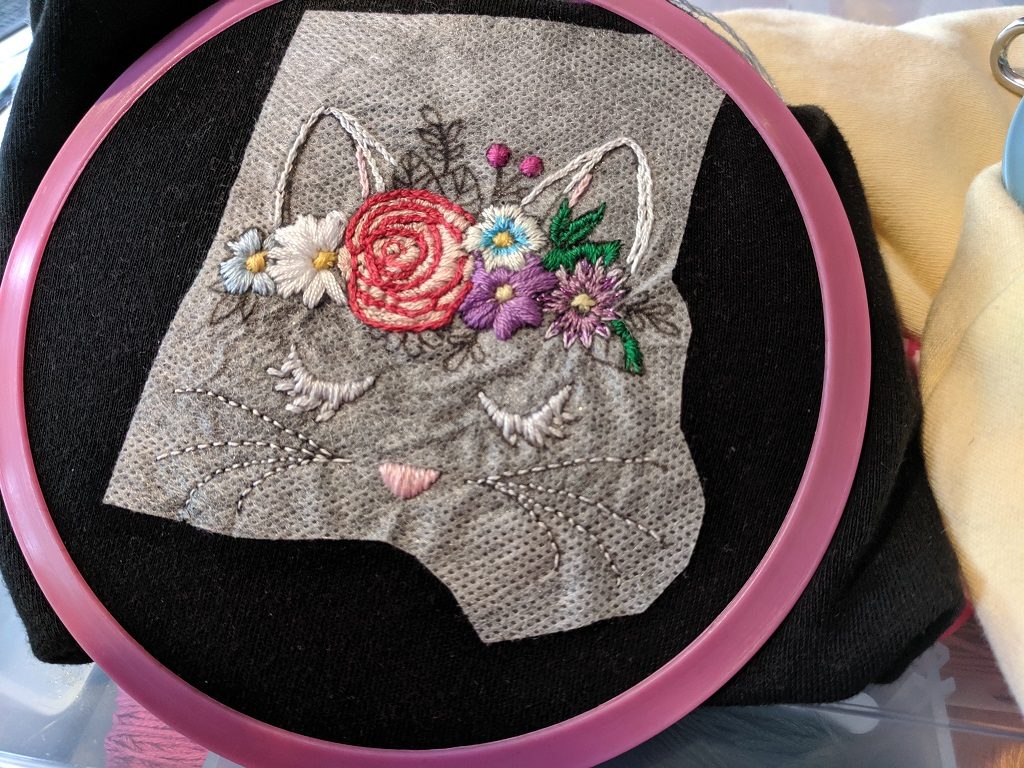
I finally got larger blank t-shirts for Anya. Anya and I will spend an hour or two in the evening relaxing and embroidering the shirts. About nine shirt-sized images fit on a 8.5″x11″ sheet of dissolving, printable transfer paper. I’ll create a single image and arrange all of the embroidery patterns to fill the page (needs to be black lines on a white background as the printout is fuzzy, and color or gray-scale makes a big mess). Cut out one image, stick it onto a shirt, add a hoop (I love Darice’s spring tension hoops!), and go.
I taught Anya to back-stitching along lines last year, and I taught her how to make a satin stitch today. She’s working on a cute little owl. I’m working on this hand embroidery pattern from Urban Threads. Should be finished tomorrow too!
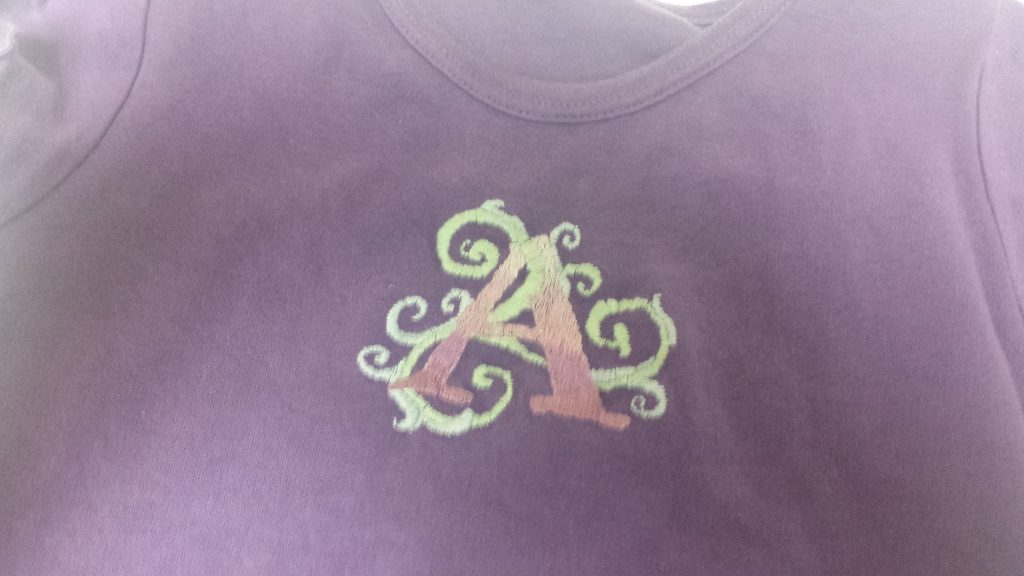
Another thread painting project — the ‘A’ has an ombre effect.
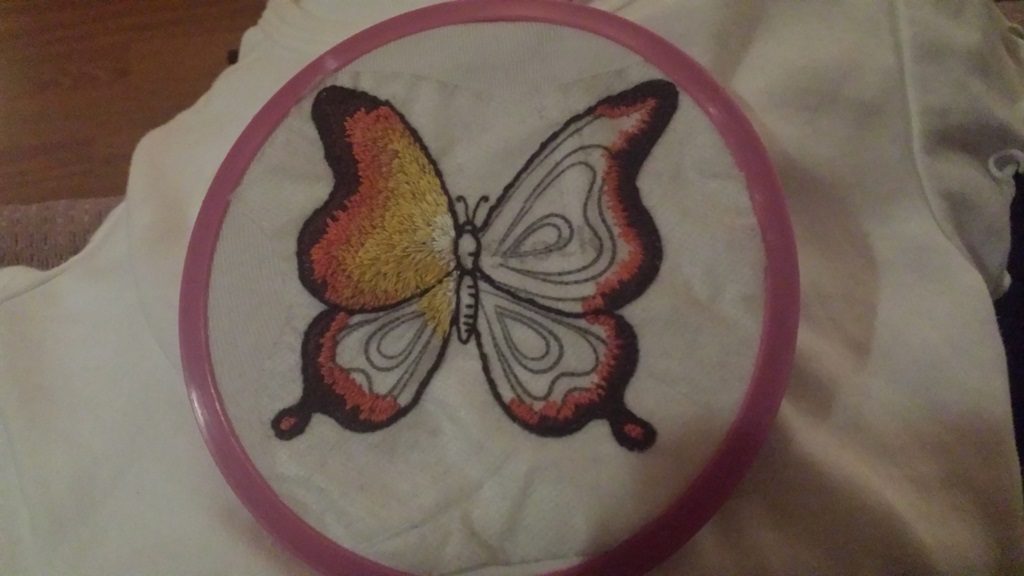
I’ve seen various iterations of needle painting (thread painting, needle shading) and am finally trying it. While the technique isn’t difficult, it is seriously time consuming. Fortunately, Anya loves the butterfly thus far. I’ll probably make another shirt or two using this technique … but start with a size 6 or 7 shirt so she gets years of wearing it (and most of the embroidered shirts will either become a t-shirt quilt or appliqué patches on a larger shirt)
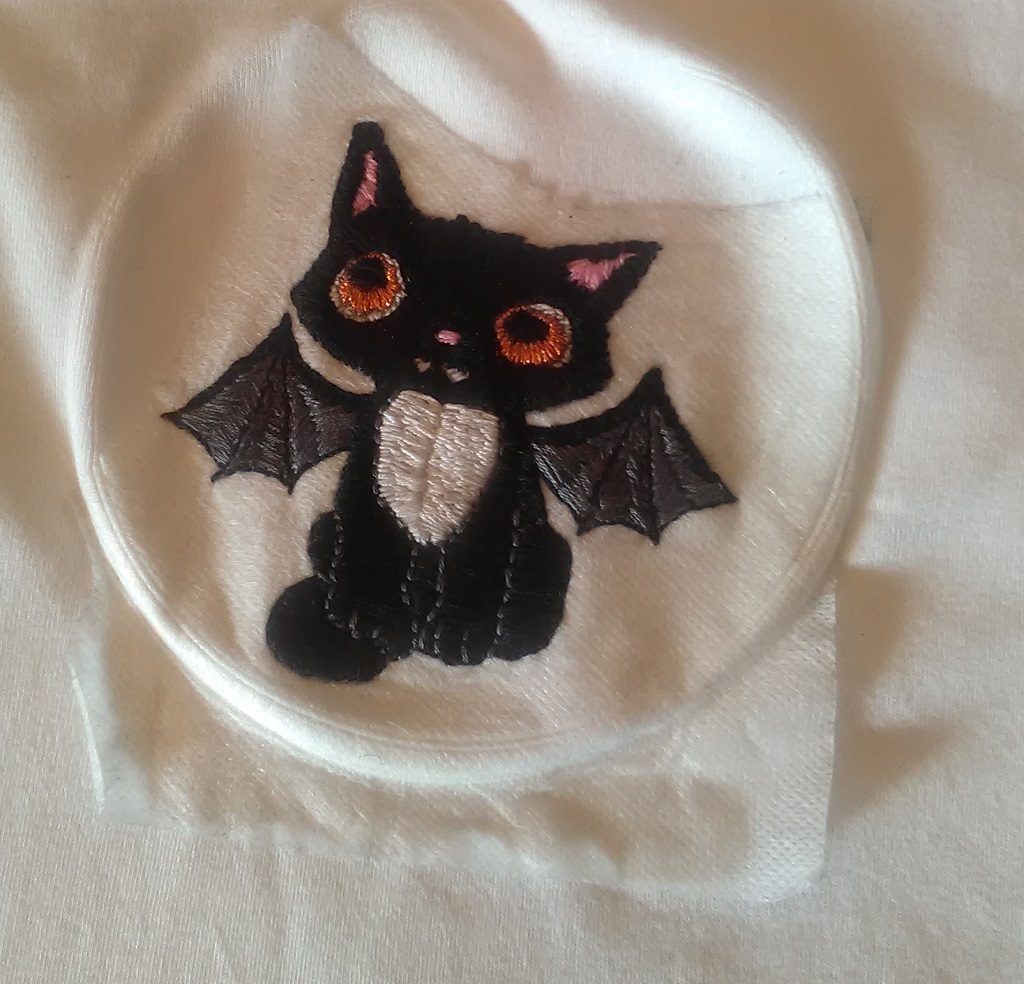
Anya will soak the shirt later today to dissolve the transfer paper, so it’s not quite done. But here’s her Halloween kitten t-shirt. The pattern is from Urban Threads — an awesome place for hand and machine embroidery patterns.