Category: Crafts

Bernette B70 Reminder: Back Up Your Position

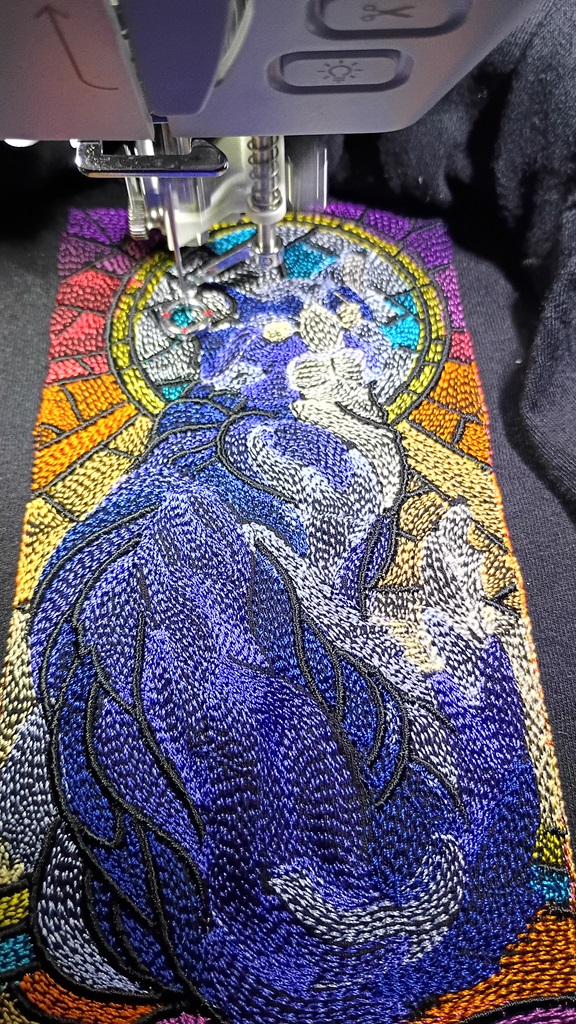
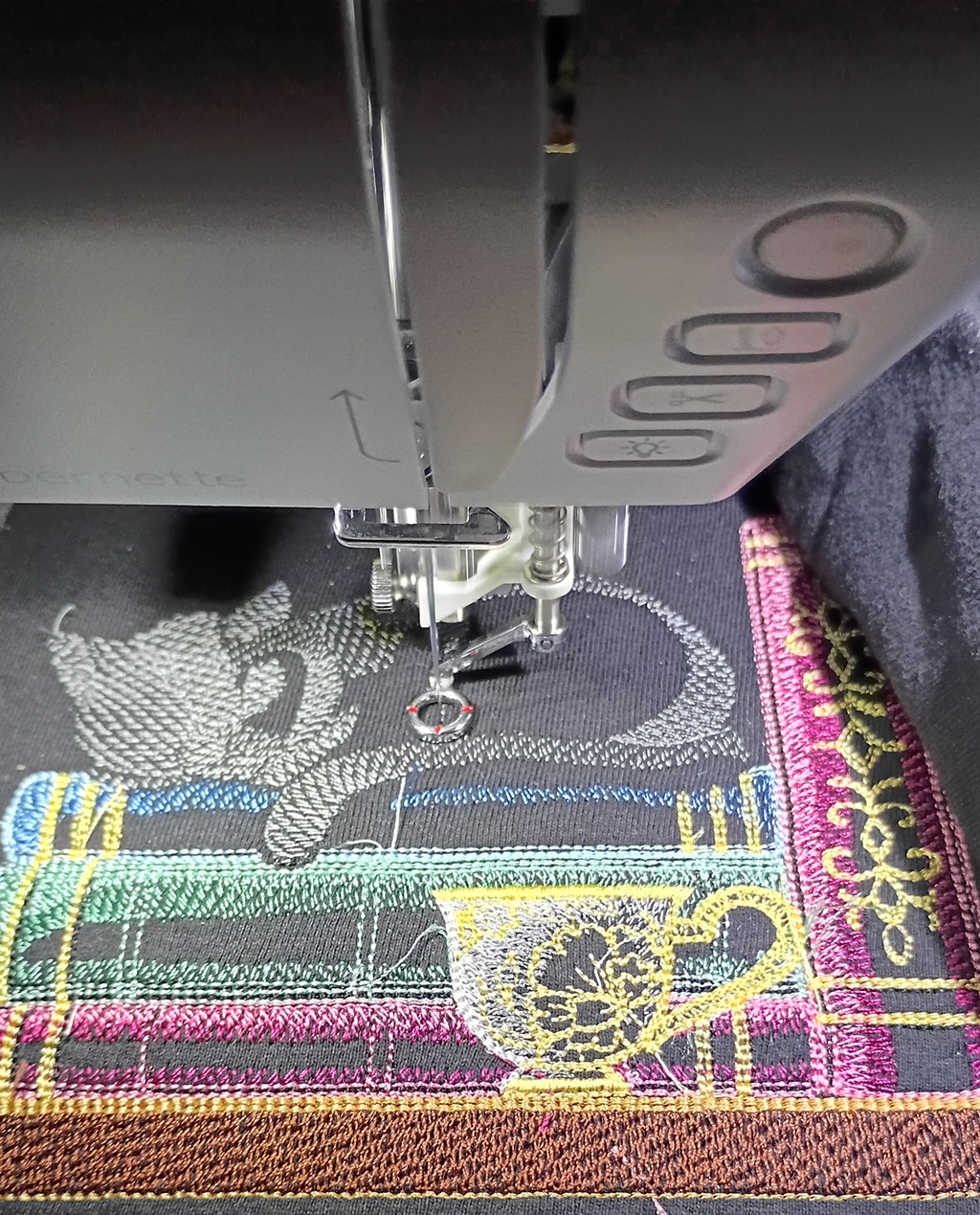
The Bernette B70 has a standby mode (Eco) for when you need to pause a job. Very convenient – especially since we’re still at the “babysit it the whole time” level of machine embroidery usage. Except — it appears that (at least for long-term standby), the system loads before the USB drive is mounted. It has cached information for the job preview, but it doesn’t actually have access to the stepper instructions. The machine essentially loses its place.

Which is fine if you know where you were when you stopped. There’s a sequence control section (#3 below)
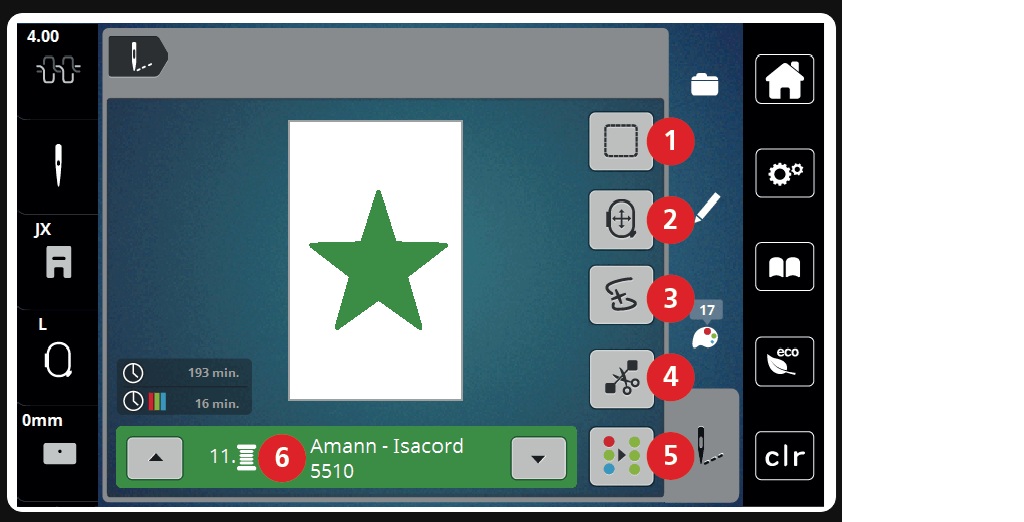
Which allows you to use the upper and lower knobs to advance through the instructions. Upper knob is a slow advance, lower makes bigger jumps. You can also click on the magnifying glass and type in where you were. If, of course, you had backed up where you were when you paused the job!
Threads – Pixel Art to Embroidery Stitch Digitization

Learning how to use Threads to digitize pixel art into embroidery patterns. I thought it might be easier to learn with a simpler design. So I created a quick lace/filigree cat silhouette.

If this is your first time designing for this hoop size, go to settings

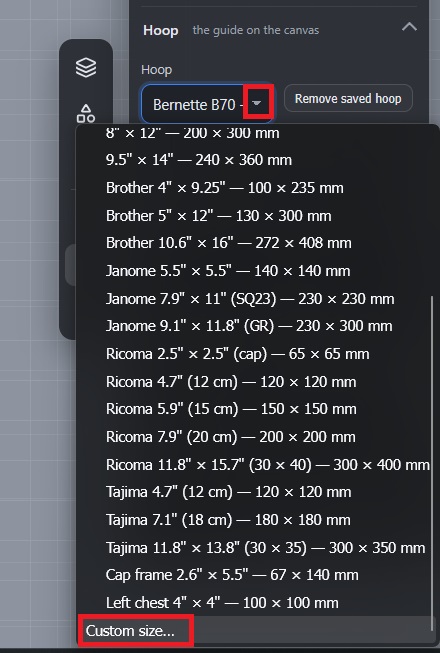
Scroll down and use the drop-down to select “Custom Size” in the hoop selection

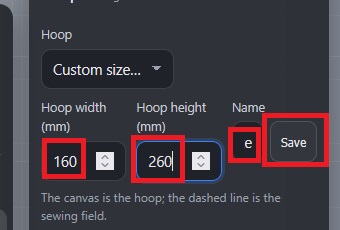
Input the dimensions of the hoop and give it a name (The 6×10 frame for our Bernette is called “Bernette B70 – Large”

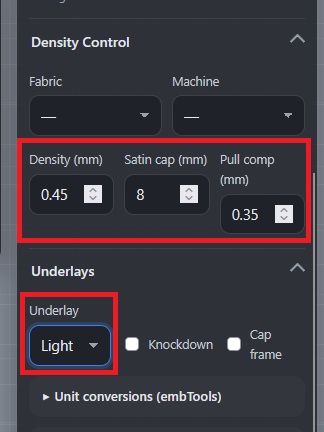
You can also adjust some values to control the stitch density — these are the settings I am using for dense designs being embroidered on t-shirts.

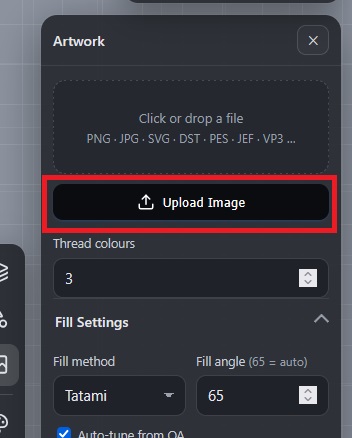
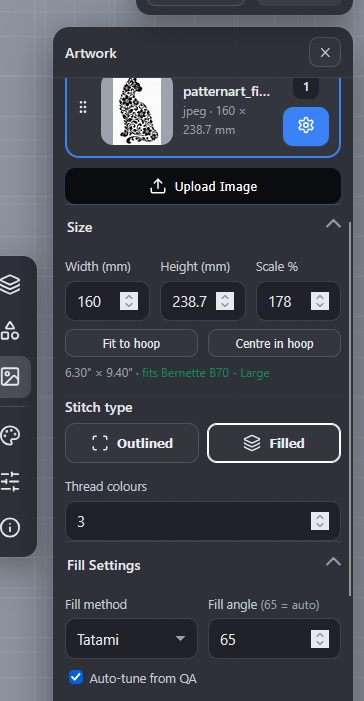
Upload the image —

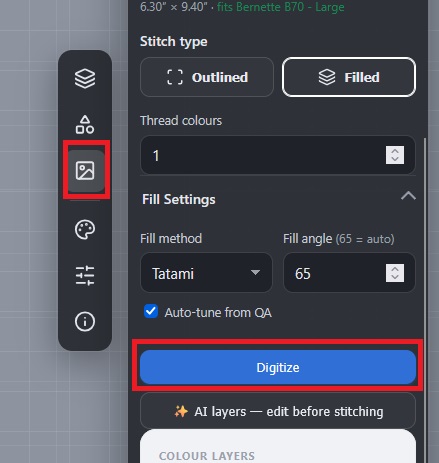
Adjust the size (if needed), select the number of thread colors. For now, I’m leaving the fill method set to the defaults!

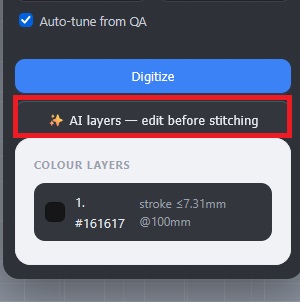
Scroll down and click the “AI Layers” button

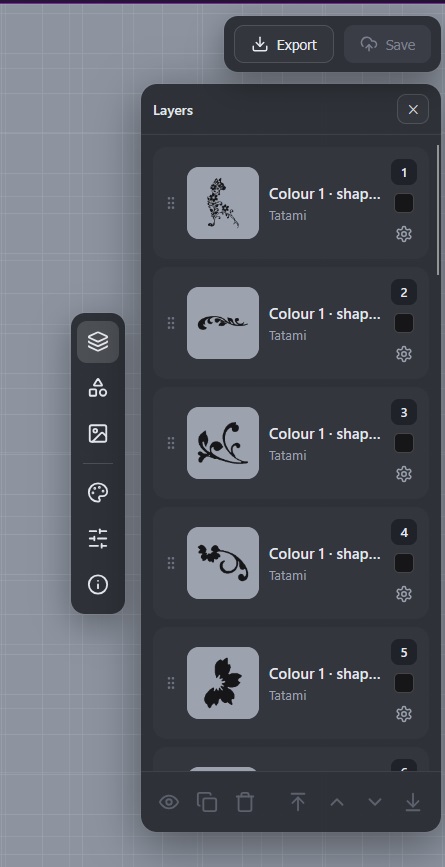
This will break your image into layers and begin the digitization process.

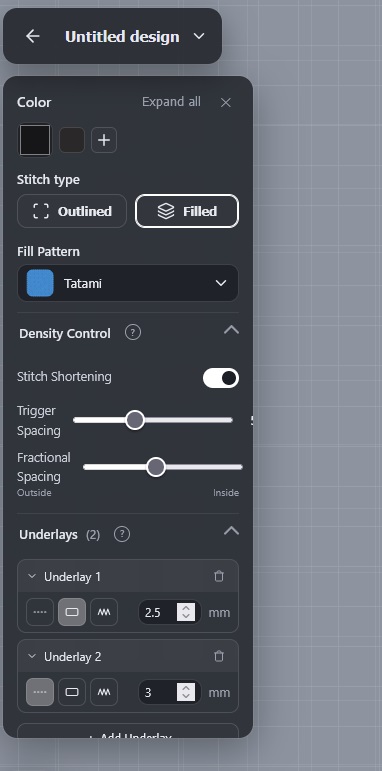
Click on each layer – you can adjust the settings used to compute stitches for the layer. You can change the color, use a different fill pattern, adjust density settings.

Alternately – you can click “Digitize” which doesn’t provide as much editing prior to digitization.

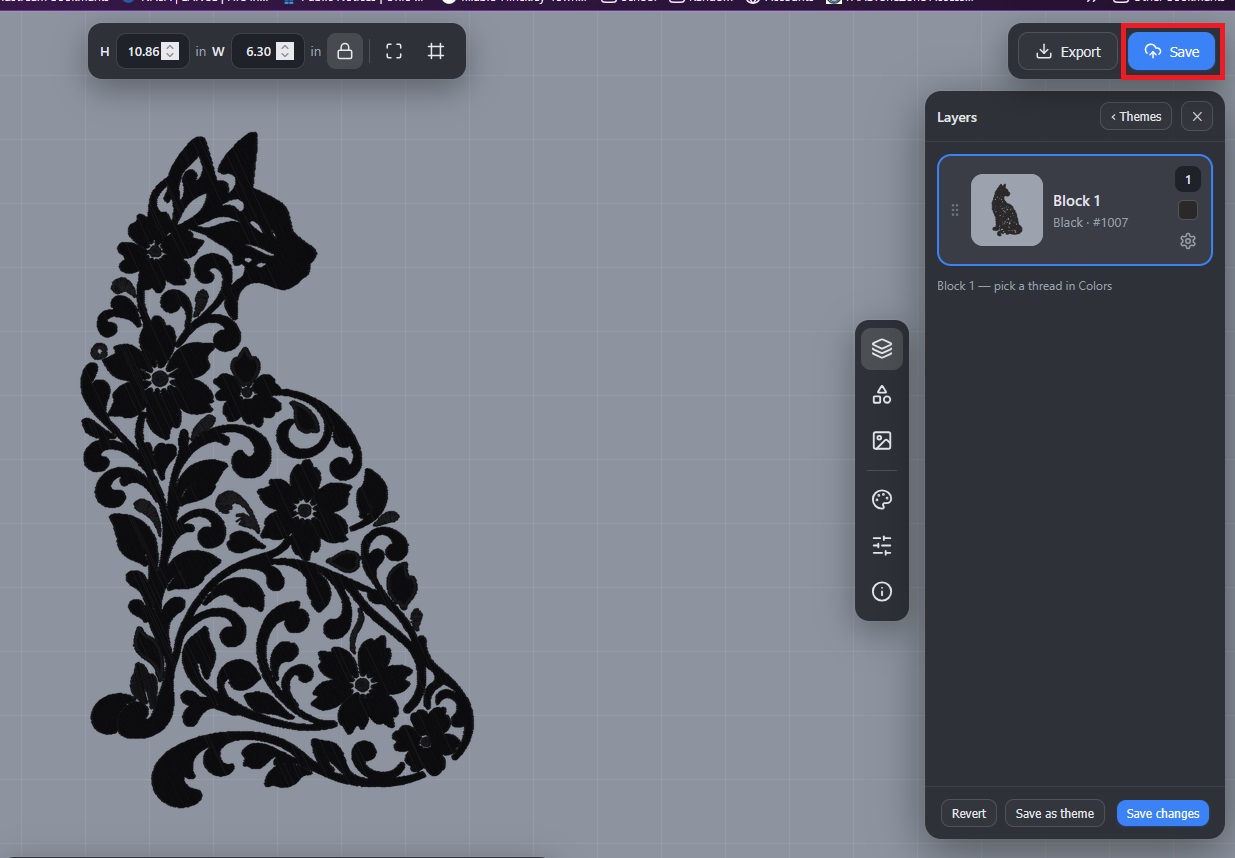
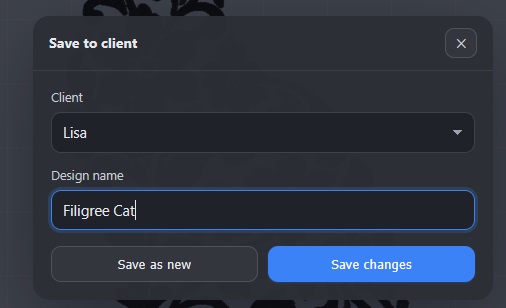
Don’t forget to save the digitized project

You can sort the patterns by “Client” — I made sections for each of us

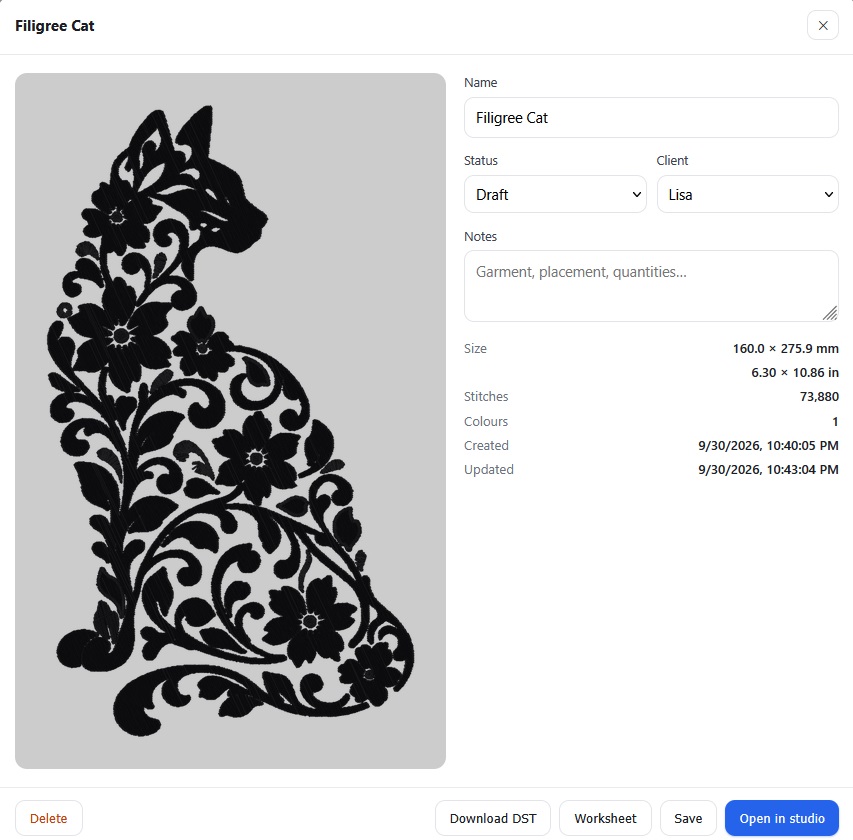
Clicking on the project will bring up a summary where you can download a DST file for use in an embroidery machine or the “Worksheet”, which is a PDF with the thread order.


Ink/Stitch and Threads

I had been trying to use InkScape and Ink/Stitch to digitize images for embroidery patterns. While I am certain that not really knowing what I’m doing is a huge component … I never manage to get a good pattern. The digitization process also sucks up all the resources on my laptop before falling over and requiring a restart. I was going to borrow Scott’s gaming laptop (lots of memory, lots of CPU, and GPU). Then I came across Threads — a Python Uvicorn server that uses the Ink/Stitch API to digitize images into embroidery patterns.

There was a significant limitation that I assume comes from the documented usage: you cannot create a pattern with a large number of unique colors. You can select up to six thread colors. However, I wasn’t going to run the tool on a laptop. I’m going to run it on a VM on our big server. Plenty of memory and processor available. And it can chug along, doing its thing, without impacting other VMs. So I created a fork that allows up to 32 unique thread colors (more than you probably want).

I want to digitize this mushroom design I created for Scott:

First T-Shirt

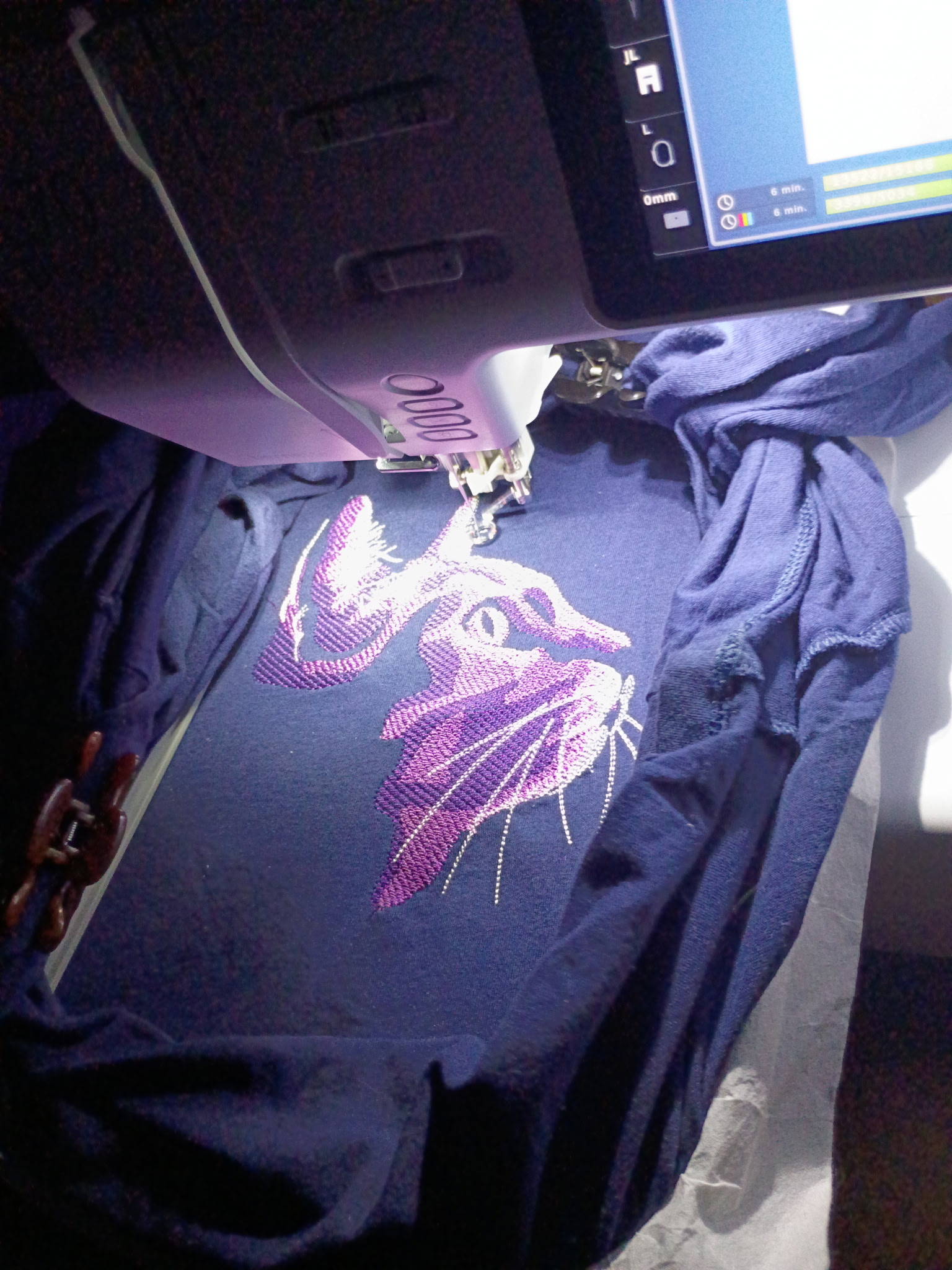
The first t-shirt on my new machine is done! Lowering the thread tension was the answer. Other lessons:

  • The machine stitches a few times then pauses for you to cut the tail. It is not telling you it thinks the thread broke.
  • Not shrinking the pattern makes a HUGE difference. Compressing stitches is not good.
  • Cheap embroidery thread is frustrating. I made a test pattern on a scrap of fabric using some cheap thread I had purchased and used for hand stitching. Very cheap, large variety of colors. But in a machine? It breaks constantly. Every couple hundred stitches, I was re-threading a broken thread. Using my good thread, I only re-threaded the machine to change colors.

Bernette B70 Threading v/s Tension

I got an embroidery machine – found an amazing deal because it was a “holiday” bundle with CDs of Christmas designs. It’s basically the November 1st Halloween candy of embroidery machines. As most machines do, it came with a sample from quality control testing the machine. It works. Except I could not get the thing to work! The bobbin thread was used *all* of the top pattern. The top thread was barely used. Everything I found online said you threaded it wrong. Don’t muck with tension settings, you absolutely threaded it wrong.

I couldn’t tell 100% that I didn’t thread it wrong. At the pretension section, there’s a tab that I had the thread “pinched” into — maybe that was wrong (although not pinching the thread in there and having it on the left hand side didn’t work any better). I spent hours yesterday re-threading the machine. I re-threaded it again and again today. I finally found a video on YouTube of someone who provided detailed instructions on what threaded right means. Turns out I was threading it right.

So, even though all of the advice online is to not touch the tension and just thread it right, I decided to adjust the tension. Can always move it back. It’s a digital control. I can return it to ‘4’ readily enough. Voila – my machine actually embroiders.

Embroidery

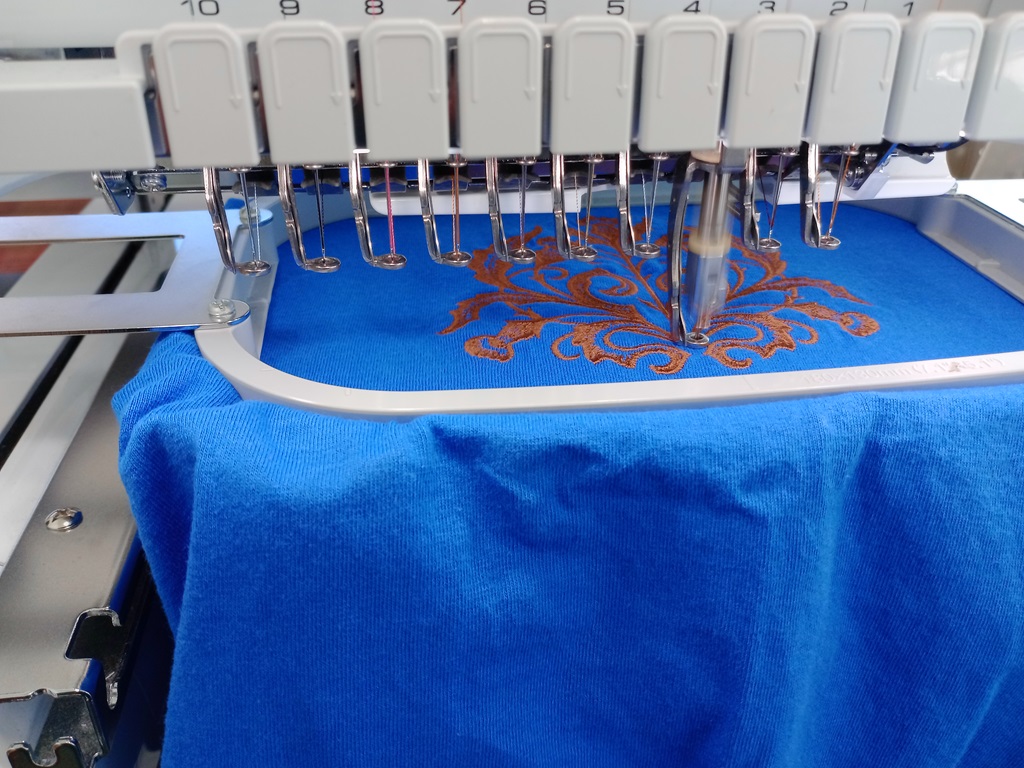
The library system in our neighboring county has five or six locations with 10-needle embroidery machines. They’re free to use, but you pay $0.10 for every 1,000 stitches. And you cannot just bring your own thread (they will, however, order colors if you request them … not thirty shades of orange, but they’re happy to stock colors that aren’t really close to something they already own). Lesson of the day: even if it’s not “a computer”, it’s a computer. Reboot it.

I took a day off work, and we planned to spend the day at the library embroidering an entire stack of shirts. Five hours later, one was not even complete. There were two staff members going through the really big manual. They tried everything. The threads breaking issue turned out to be a badly would bobbin, but we still had trouble with the machine locking in the thread when it would move to a new run. Try enough times, you could get it to start. But, when it locked off the run, cut the thread, and moved elsewhere to start another run? The thread wouldn’t get locked in, and it would come out of the needle. We tried “fast forwarding” the job to the point of using a different needle. Same issue. We tried a simpler design (we started big, which was probably a bad idea). Same issue (although we managed to re-thread the upper needle frequently enough that the job completed). Kind of a last ditch effort, we rebooted the thing. And it worked perfectly. I’m guessing there’s some re-calibration steps that run on start-up because I don’t see this as a purely software issue where clearing the memory and starting over would have done something. But, sigh! Reboot it!

Wood carvings

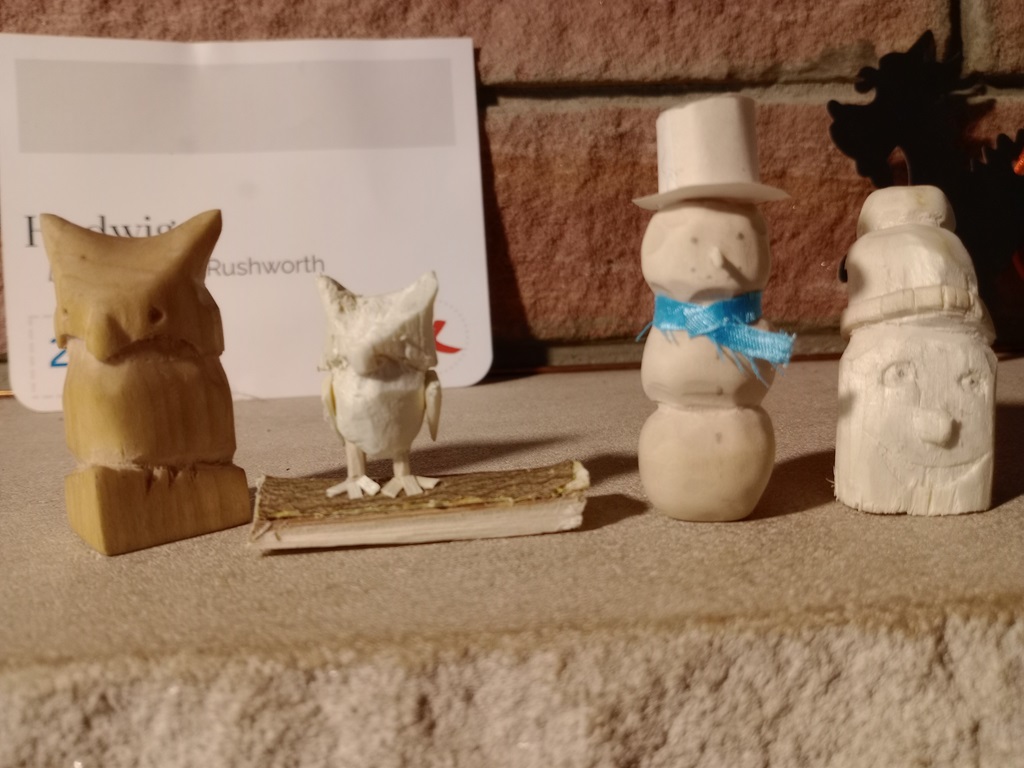
Anya had whittled a few things (even a crochet hook!) with her multi-tool, so I bought a set of actual wood carving knives, safety gloves, and basswood cubes. She’s been doing a lot of wood carving this summer, and she’s gotten really good! The left-hand owl was coated with linseed oil and submitted for a local art showcase. The snowman has the cutest (and pointiest!) little stick “carrot” nose.